First steps
What happens right after you sign up: a short four-step setup, and then how to get your first words so that your day can begin.
Setup
After your first sign-in a window with four steps opens; the dots at the top show where you are. Each step says why it asks. Any step can be Skip-ped, or press Skip setup at once — except the language pair: until one is chosen, Next waits, and the library, the words and the import lead back here. Back goes one step back. All of it can be changed later in the settings, and the window itself can be opened again: Settings → Profile → Run setup again.
Someone who only teaches sees only the last step — name and avatar.
1. Which languages are you learning?
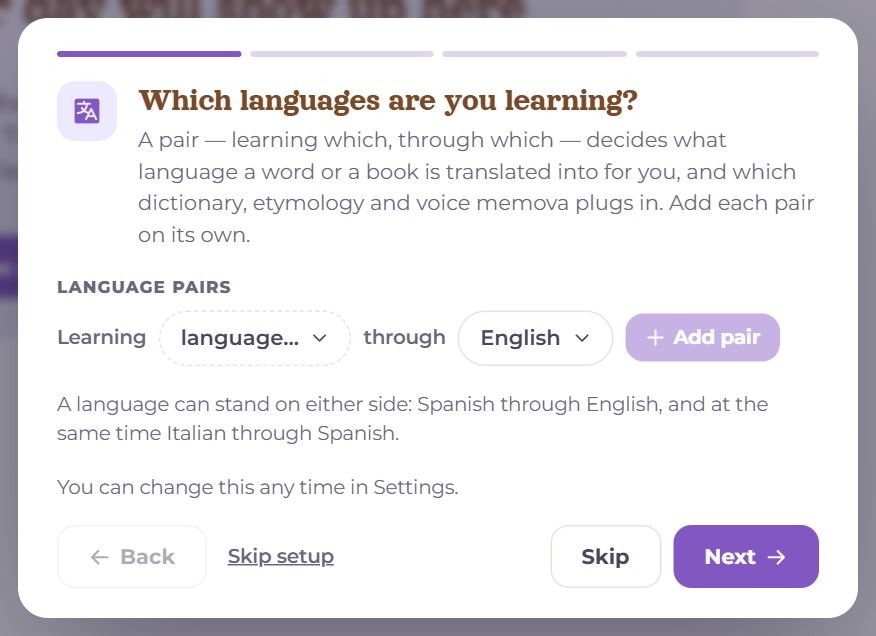
A language pair is “learning” and “through which”: it decides which language words and texts are translated into, and which dictionaries, etymology and voices Memova connects. There can be several pairs — Language pairs, “+ Add pair”. A language can stand on either side: Spanish through English, and at the same time Italian through Spanish. What is already known comes filled in: the language from the test or the home page, and “through which” from the browser’s languages (Ukrainian if it is among them), not from the interface language. Check it, and tap a language to change it.
2. How many minutes will you find even on a bad day?
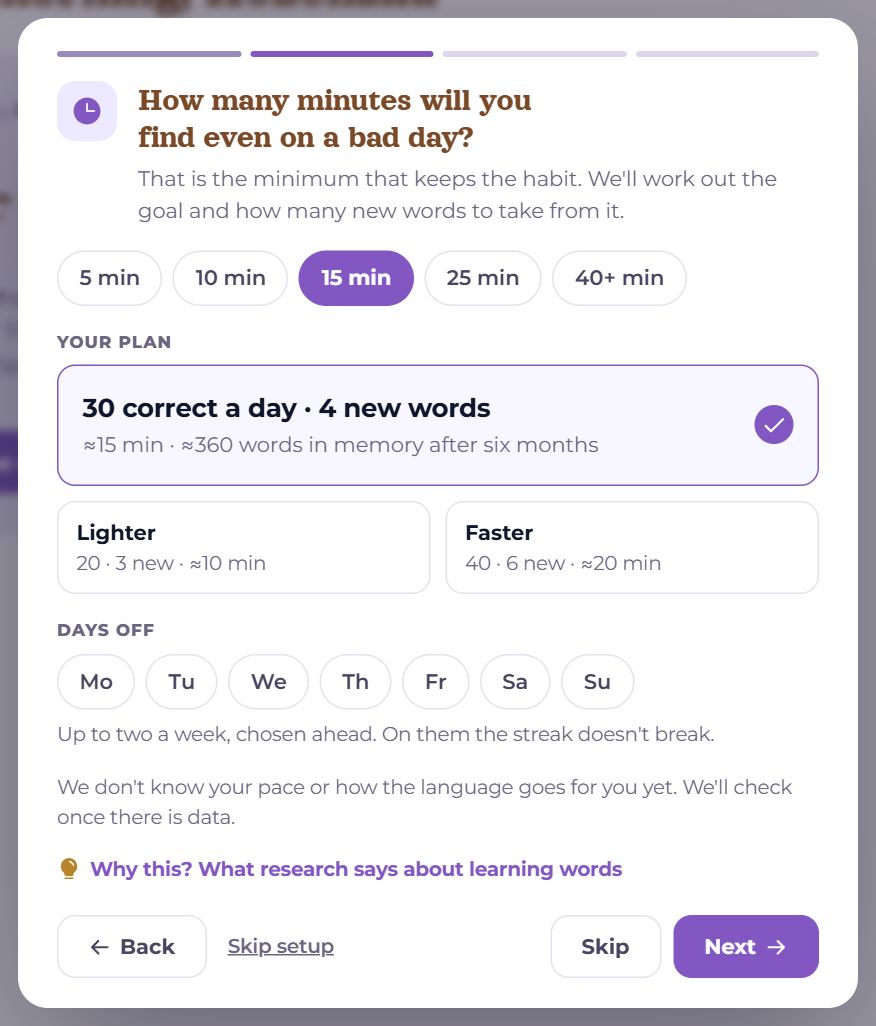
- Minutes — 5, 10, 15, 25 or 40+: how many you will find even on a bad day. It is the minimum that keeps the habit.
- Your plan — the minutes give the goal (how many cards to recall correctly a day) and how many new words a day; beside it, what that adds up to in half a year. Lighter or Faster — the neighbouring options.
- Days off — up to two a week, chosen ahead. On those days the streak does not break.
- “Why this? What research says about learning words” — in short, what the plan stands on.
The plan is given to every language you chose. Memova does not know your pace or how hard the language is for you yet — it checks the plan as soon as there is data (see “My day”, “Let’s compare notes”).
3. When does your day start?
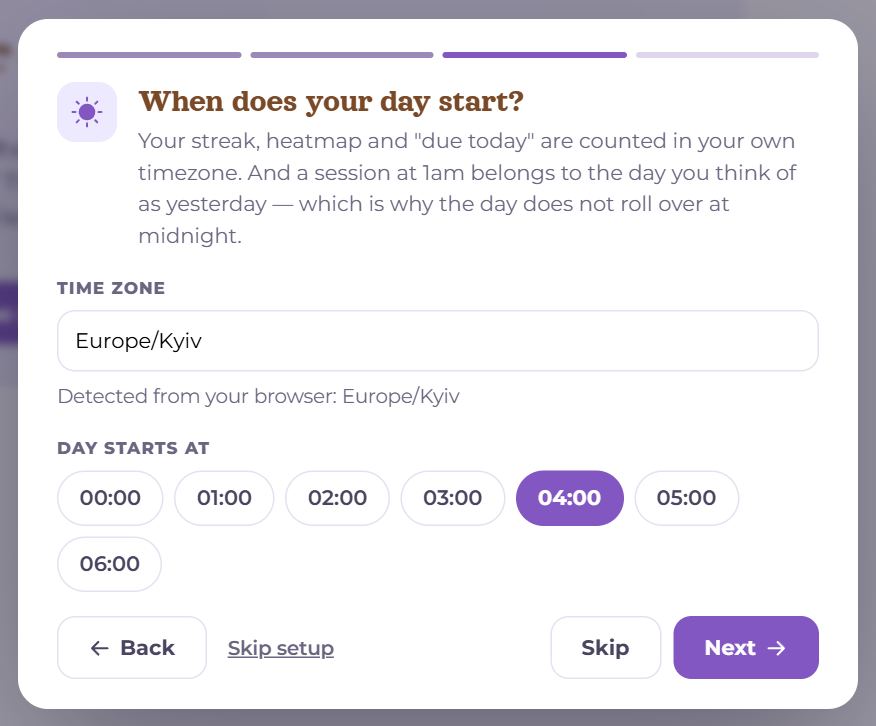
The streak, the year in statistics and “today” are counted in the profile’s time zone — the browser gives it when you sign up. If a device ends up in another zone (a trip, a laptop and a phone in different places), My day asks whether to switch to it: the profile does not change by itself, so the day does not flip back and forth. Day starts at 00:00–06:00, midnight to begin with. With a later hour a session at one in the morning counts for the day before; until that hour comes, the date on My day carries a “*”, and its note says which day the goal counts for.
4. How should you appear?
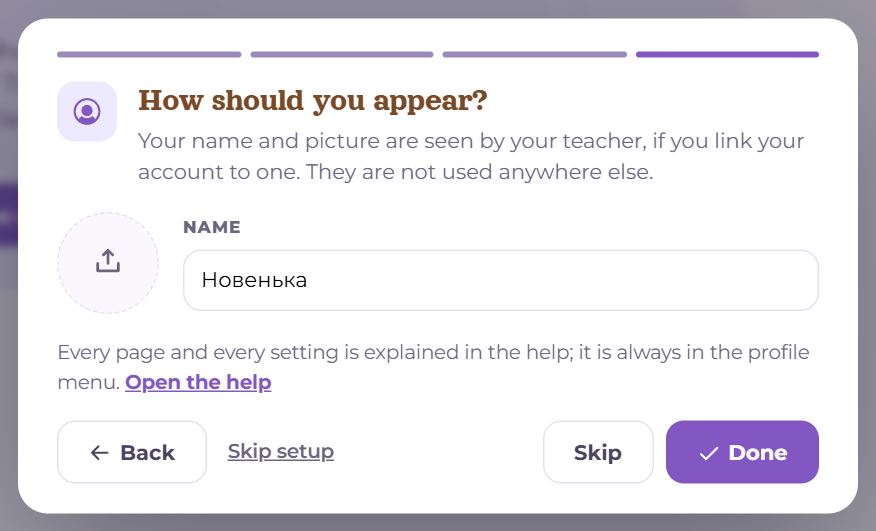
Your name and avatar are seen only by your teacher, if you connect one. Here too is a link to this help. Done — and you are on My day.
First words
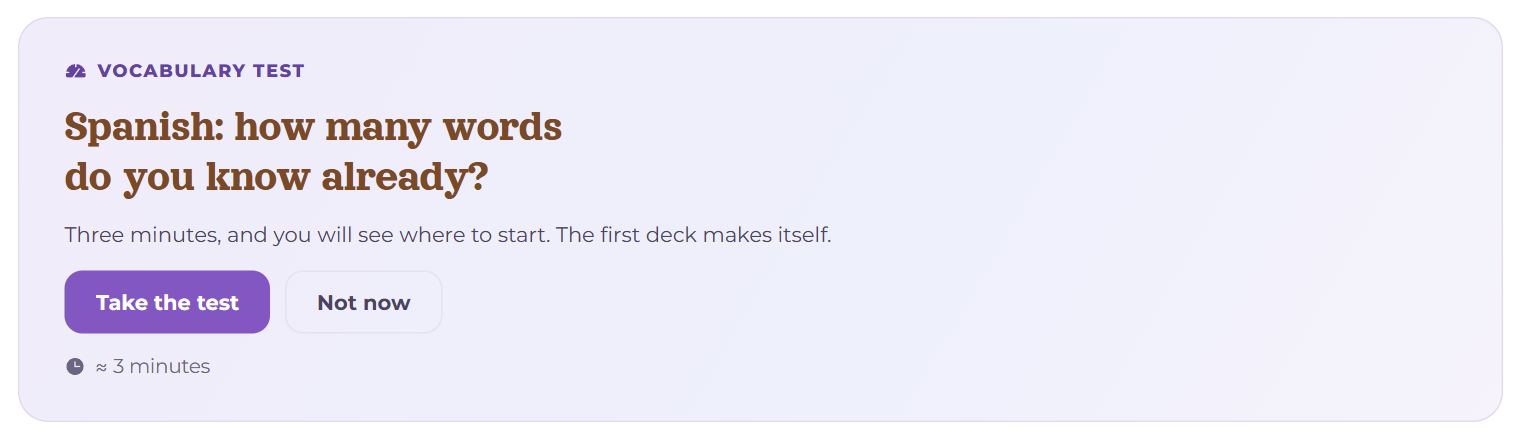
While a language has no words, the ring’s place holds the Vocabulary test: three minutes, and the result makes a first deck of the most common words you do not know yet. The quickest start.
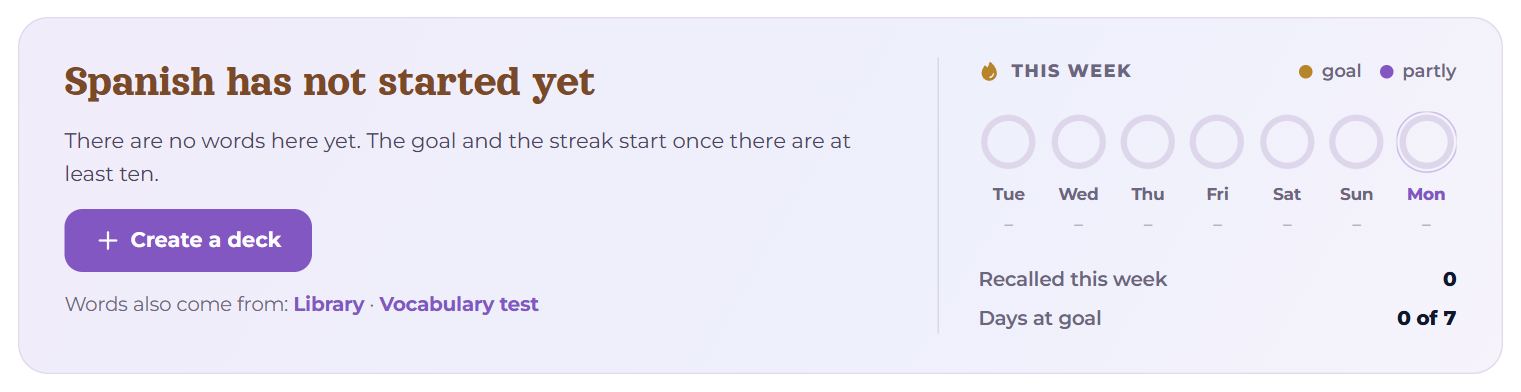
If not the test right now — other ways to the first words:
- add by hand — “+ Word” on Words; the translation, sound and picture are found by themselves;
- bring them over from Anki, Quizlet, a spreadsheet or a Kindle — with their progress (Settings → My data);
- from texts and videos in the Library — tap an unknown word and add it;
- from any website — the browser extension, Ctrl+click on a word;
- from a teacher — words from lessons appear by themselves.
The goal and the streak start once there are at least ten words.
What next
- Every day — the big button on My day: review what is due and a few new words.
- How the intervals, stages and the goal work — the “How review works” article.
- Words that will not stick — in Training.
Questions
- I skipped the setup — what now?
- No harm done: the language pair is there already (the window does not close without one), other languages are chosen in Settings → Profile, the plan in Settings → Study plan. Or “Run setup again”.
- How many minutes should I choose?
- As many as you will surely find on a bad day too. A little every day beats a lot once a week: the plan can always grow.