Add a word
One word — and Memova looks up the translation, the pronunciation, the frequency, a picture, the sound, examples and a dictionary entry on its own. At the top you see the card as it will be in review; under it, sections where you choose what of the findings to take.
Where to open it
- “+ Word” on the Words page — a page of its own for one word;
- the Add a word field on My day;
- “+ Word” in the Catalogue — the same panel on the right;
- Ctrl+click on a word on any website with the browser extension — the word and its sentence are already filled in;
- a word from a message in a chat or a lesson, and one selected in a PDF textbook.
The same panel opens when you edit a card: from a review, from the word card on Words, or in the catalogue. On a wide screen the card stays on the left without scrolling, the sections are on the right.
The card
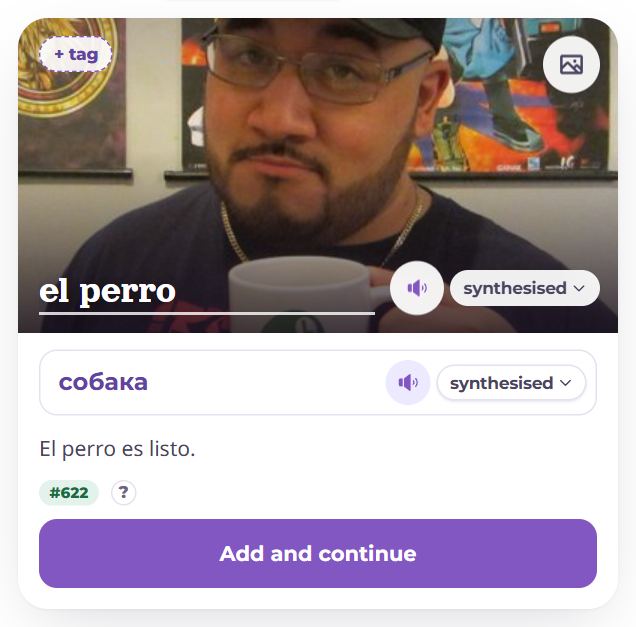
- You type the word right on the card, in the language you are learning. The lookup starts by itself as soon as you stop typing. A short word is drawn large, a phrase smaller, as in review.
- Under the word — the pronunciation (a transcription or the stress), if a dictionary gave it.
- The picture becomes the card’s background once chosen. The picture button in the corner opens the “Picture” section.
- Tags sit at the top left, as in review: “+ tag” adds one, the cross on a tag removes it.
- The translation is the field under the picture; it is filled with the first sense found, and you can rewrite it.
- The example is the line under the translation; tap it to change it (the “Example” section opens).
- Below — the frequency: “#622” is the word’s place among the most used, “rare” is beyond 20,000. The “?” says which list the number comes from and where the translations came from.
Sound
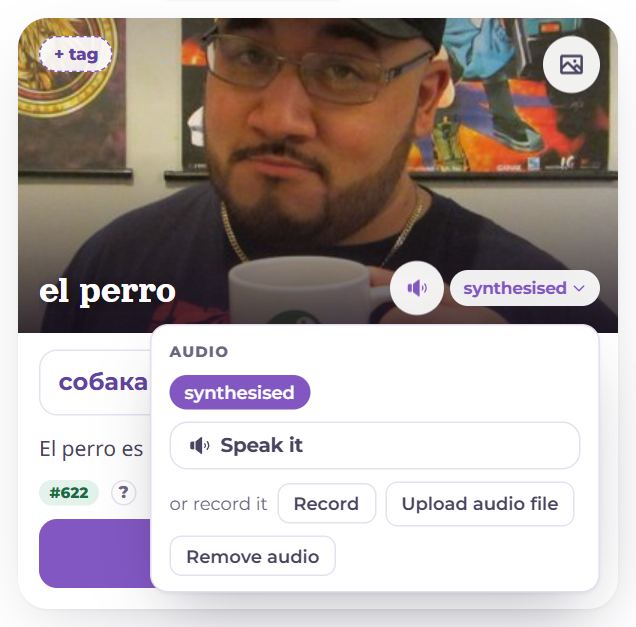
Beside the word and beside the translation there is a speaker and a pill. The speaker plays what will be on the card, the pill says what it is: dictionary (a native speaker’s recording from Wiktionary), synthesised or your recording. Tap the pill for the other takes, Speak it, Record with your own voice and uploading a file. Both sounds are made by themselves; the translation’s sound is what the “By ear” mode and the audio games play.
Translation
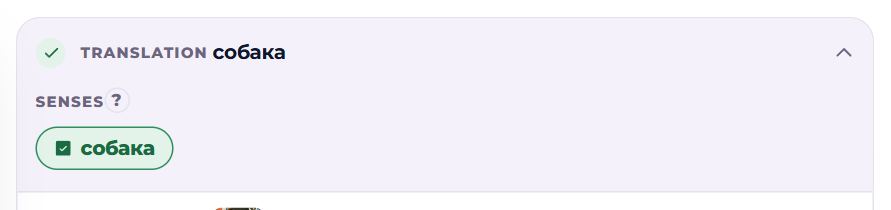
The sections under the card open one at a time; Translation is open first. Senses are senses from translators and dictionaries: tap one to add it to the translation, comma-separated; again to remove it. Long definitions (“large earthenware vessel used for…”) are not offered as a translation — they can be taken into “read more”.
If you typed an inflected form (“perros”, “Häuser”), “dictionary form” appears under the word — a button to make the card for that form instead. For German — the same with the article.
Picture
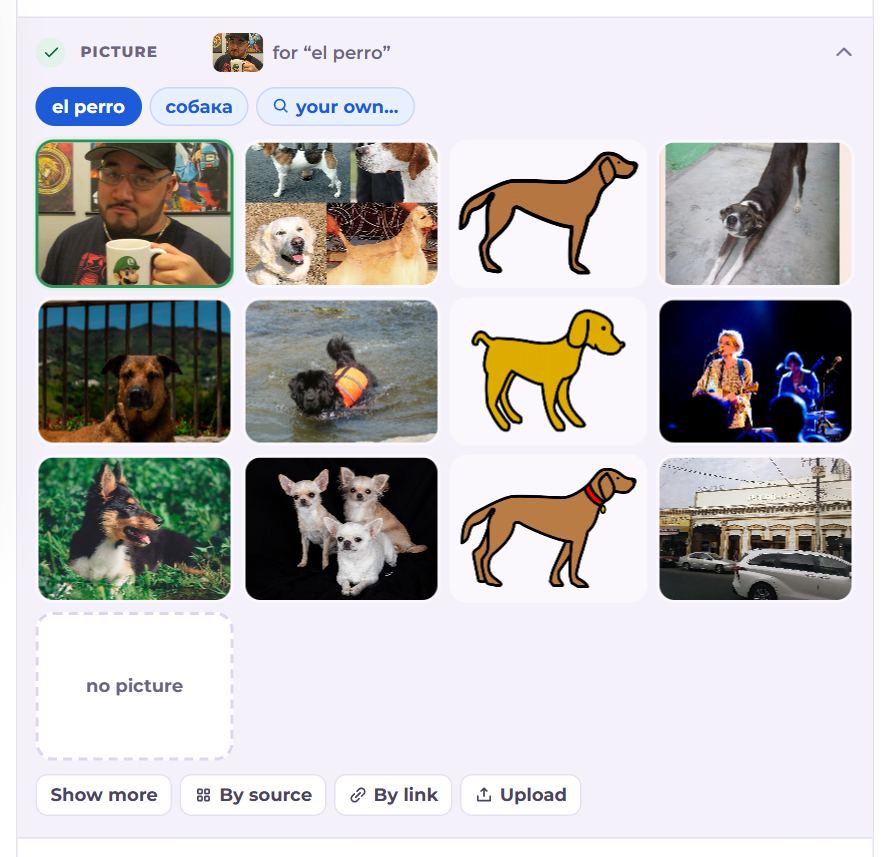
- At the top — what to search for: what Memova searched for, the word itself, each sense, or “your own…”. The word “ქვევრი” searched as “pitcher” finds baseball — tap another sense or the word itself.
- The first is our own drawing of the word when there is one (the same as in the course and the first cards), marked “memova”; after it, what the search found.
- Tap a picture to choose it; the chosen one is outlined. “no picture” is a choice too: an abstract word is better with nothing than with a stock photo.
- Under the pictures: Show more, By source, By link, Upload from your computer or phone. A picture that does not open disappears by itself.
Example
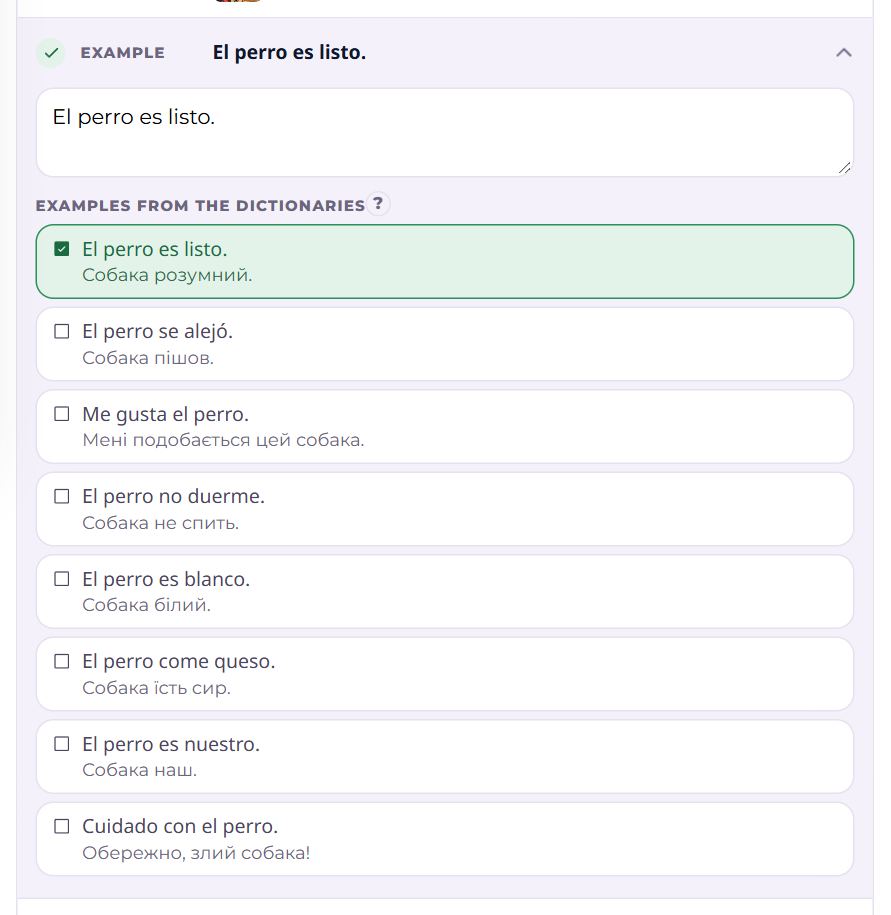
A field for a sentence with the word, and Examples from the dictionaries — with their translation when it is in the language you know. A ticked sentence is in the field; tap to add or remove it. Several sentences — separated by full stops. The Gap game in training needs an example.
Reference and more
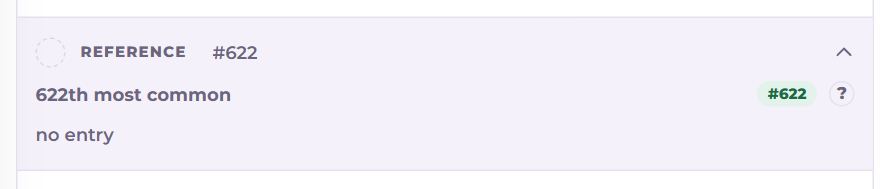
Reference — the frequency, the Dictionary entry and the Etymology when a dictionary has them; several dictionaries switch at the top. “put into “read more”” adds the entry to the card — it shows under “Read more” in review. More is “read more” itself (as finished text, Edit edits it as HTML), and when editing, also how many times the word was forgotten, its interval and state.
Where the translation, the entry, the sound and the pictures come from, and in what order, is set per language pair in Settings → Study plan → Dictionaries and translators.
Deck
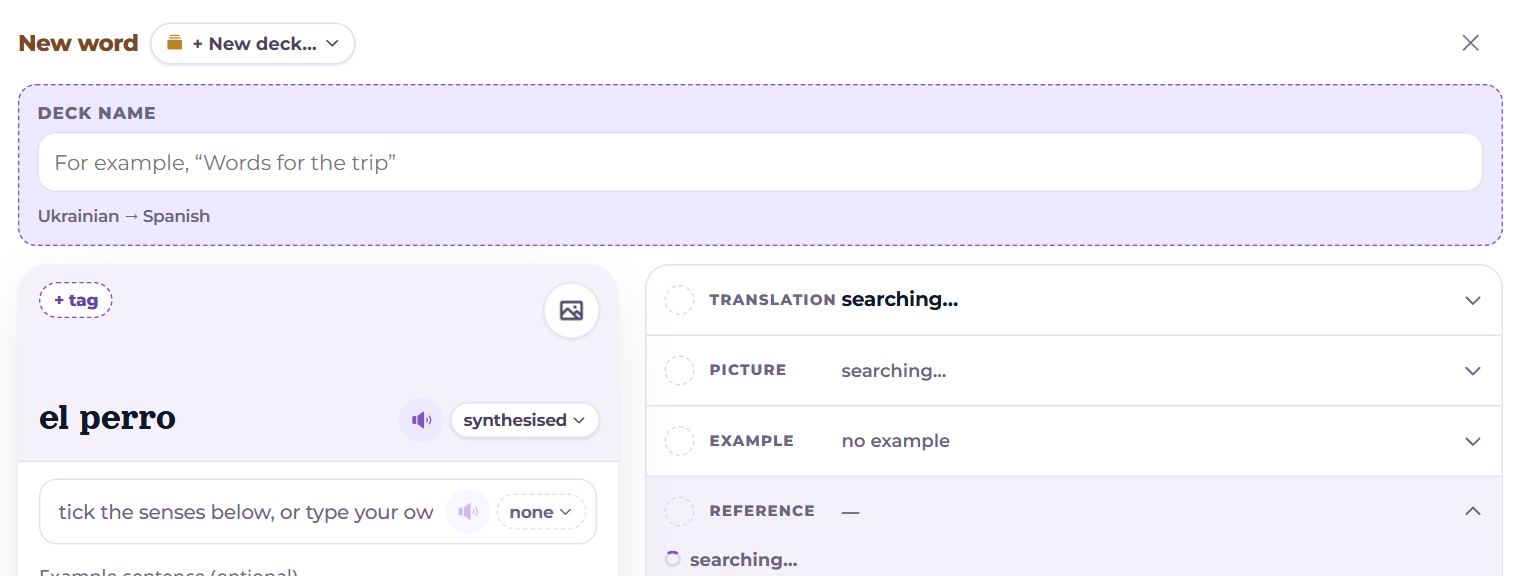
The deck is a pill beside the “New word” title. Its last option is + New deck…: a name and, if you have several language pairs, the pair too. The deck is created together with the word.
Add
- Add and continue is the button on the card itself. The word is saved and the form is clear for the next one. Only the word and the translation are required. When the card scrolls up out of sight, the button stays in a slim bar at the top.
- If this word is already in the language pair, “This word is already in your dictionary” appears on the card — with its translation, the deck it is in, and “Open”. Adding is possible only after “Add as a separate card” — for another meaning of the same word (“banco” — a bench and a bank).
- In the extension’s window the button is Add the card: after “Added” the window closes by itself.
- When editing — Save and Delete.
Questions
- The picture is wrong — what now?
- Tap the picture button on the card and choose another query — the word itself or another sense often finds better. Or “your own…”, or upload your own.
- The lookup found nothing.
- Check the spelling and the deck’s language pair: the word is looked up in that pair’s dictionaries. You can always type the translation yourself.
- Can I add a phrase rather than a word?
- Yes. Dictionaries find less for phrases, but the translation, the sound and the example work the same.