Import and export
Words from another app come here with their progress, and your own words can be taken out any time — to a spreadsheet, to Anki or to an archive. Nothing is written until you have seen exactly what will be added.
Where it is
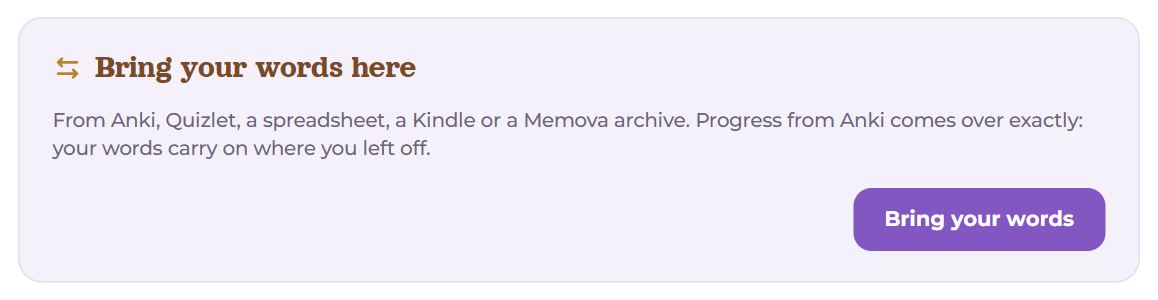
- Settings → My data — Bring your words here and Take your words;
- on an empty Words page — “Learning words in another app? Bring them here — with your progress.”;
- the Add a word field on My day — Import from Anki or a table.
Where from
First choose the source — under it appears how to get the file out of it.
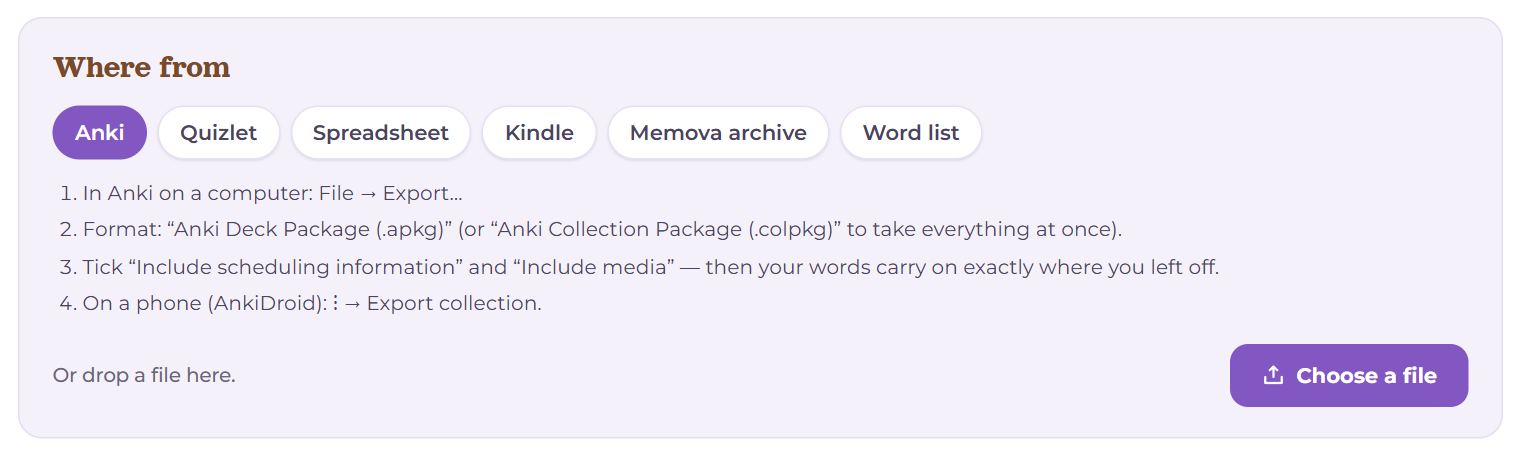
Anki
- In Anki on a computer: File → Export…
- Format: “Anki Deck Package (.apkg)” (or “Anki Collection Package (.colpkg)” to take everything at once).
- Tick “Include scheduling information” and “Include media” — then your words carry on exactly where you left off.
- On a phone (AnkiDroid): ⋮ → Export collection.
Quizlet
- Open the set in Quizlet on a computer → ⋯ → Export.
- Copy the text and paste it below — Memova understands the tab between a word and its meaning.
Spreadsheet
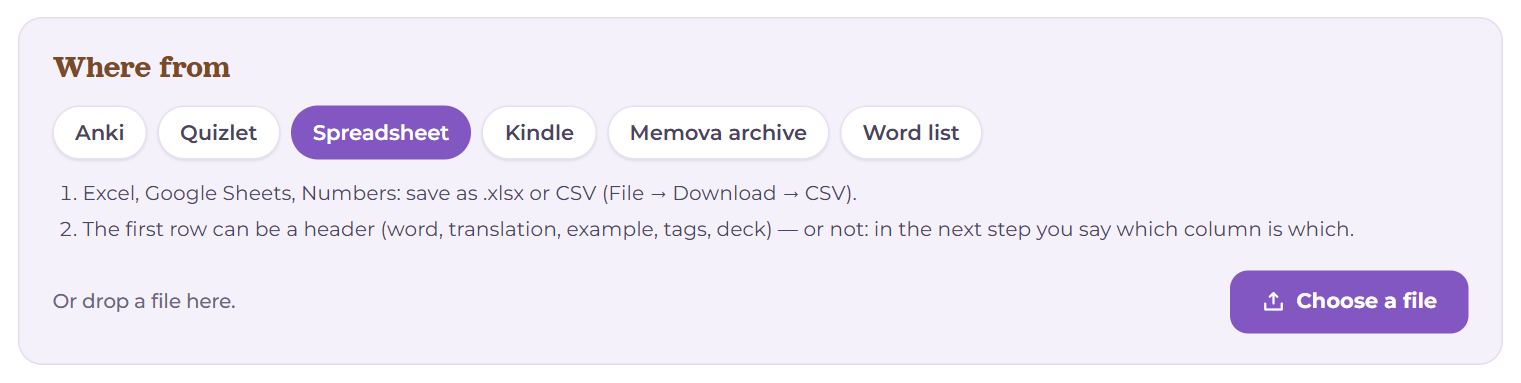
- Excel, Google Sheets, Numbers: save as .xlsx or CSV (File → Download → CSV).
- The first row can be a header (word, translation, example, tags, deck) — or not: in the next step you say which column is which.
Kindle
- Connect the Kindle to a computer with a cable.
- The file is at system/vocabulary/vocab.db — pick it.
- Words arrive in their dictionary form, with the sentence from the book as the example and the book's title as a tag; Memova adds the translations.
Memova archive
- The .zip from “Settings → My data → Take your words” (the “Memova archive” format).
- Brings back everything as it was: decks, words, recordings, pictures, progress and every answer.
Word list
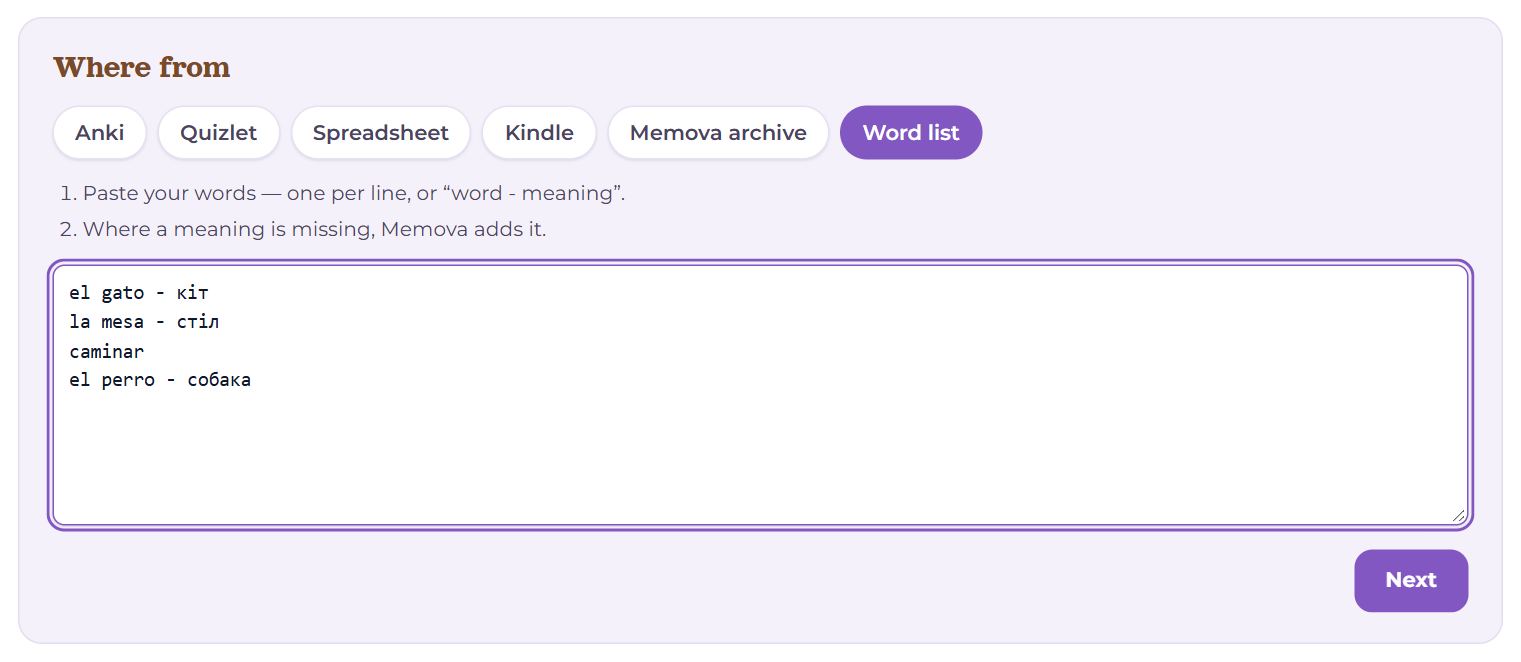
- Paste your words — one per line, or “word - meaning”.
- Where a meaning is missing, Memova adds it.
Choose a file with Choose a file or simply drop it on this block. For Quizlet and a list — paste the text and press Read the list.

Then Memova says what it read: how many words, how many of them with progress, and how many suspended in Anki. Another file starts again with another file.
What is what
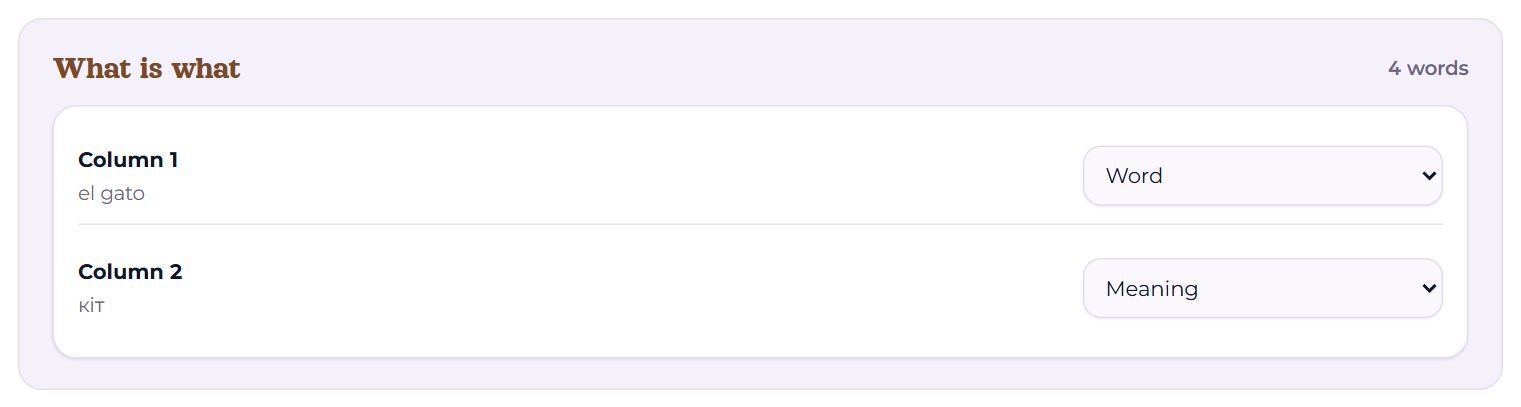
For Anki — once per note type in the file; for spreadsheets, Quizlet and lists — once: every field of the file with a sample from the first row, and what it is — Word, Meaning, Example, Word recording, Meaning recording, Picture, Tags, Deck, Details (under “more”) or Leave out. Memova guesses by itself; fix it where it guessed wrong. Without a “Word” field it will not go on.
How Memova guesses Anki's fields: by the field's name — Front, Word, Expression become the word, Back, Meaning, Translation the translation, Example, Sentence the example, Audio, Sound the sound, Image, Picture the picture (and the same names in Ukrainian, Georgian, Spanish). A field that holds only [sound:…] or only <img> is a sound or a picture whatever it is called. Of the fields left without a role, the first two that are not empty are the word and the translation; if the “translation” is in Georgian (or another script that names its language) and the “word” is not, they swap. A sound or a picture inside the word's own field is taken too. Any other field can be made Details (under “more”). The notes' tags and Anki's decks always come along as they are in Anki.
Where to
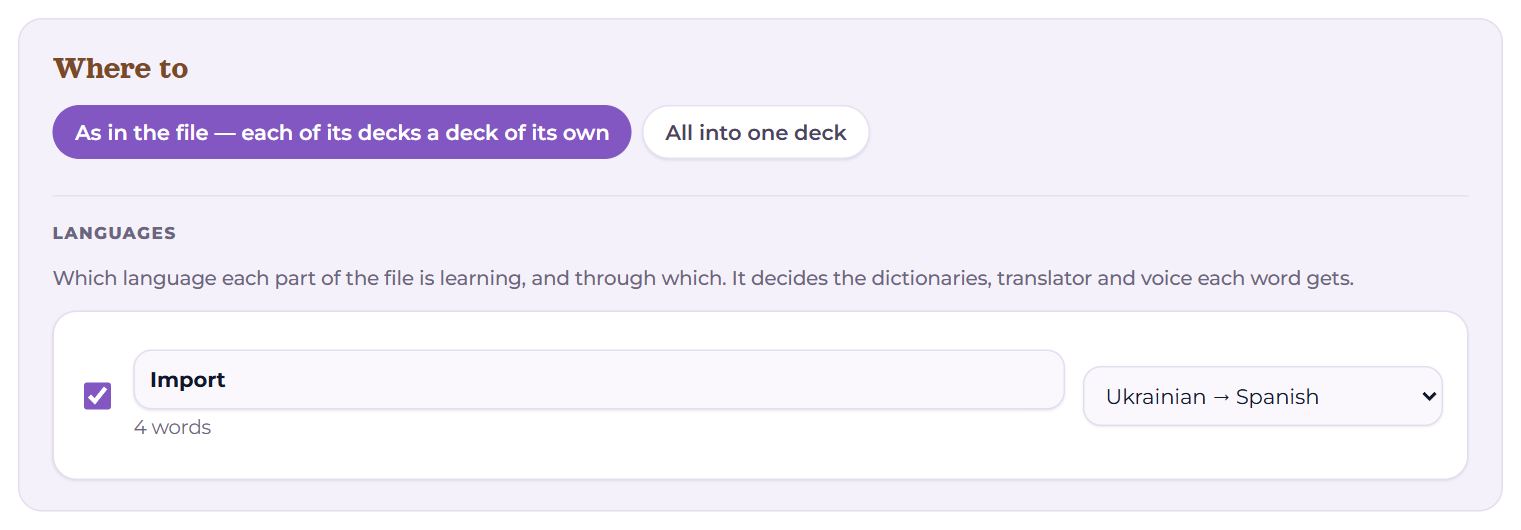
- As in the file — each of its decks a deck of its own — every deck in the file becomes a deck here. Its name can be changed; untick one to leave it out.
- All into one deck — choose an existing deck.
- Languages — which language you are learning in each part of the file, and through which. The dictionaries, the translation and the voice depend on it.
How
- Bring the progress — words from Anki carry on from the same point: the same memory, the same day of the next review, the answer history in your statistics.
- Leave out cards suspended in Anki — cards you switched off in Anki yourself; brought in, they would start coming up for review.
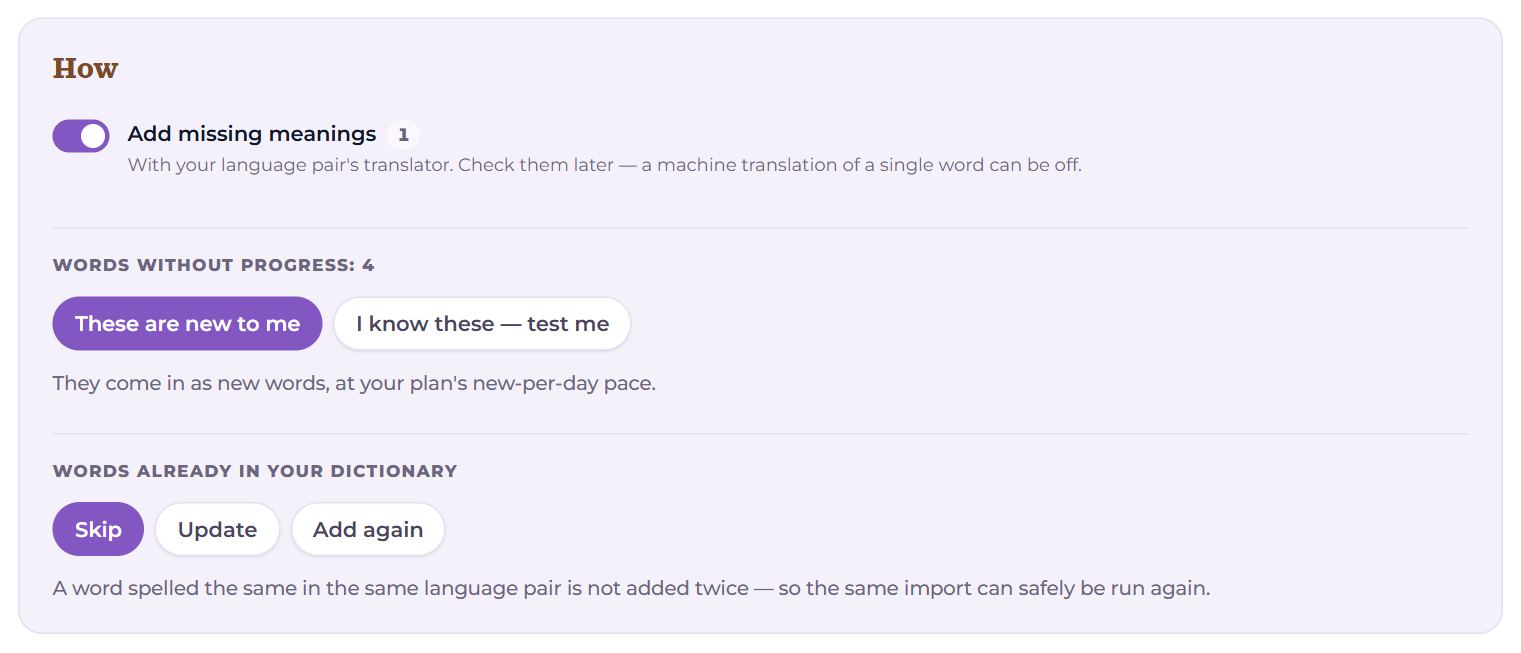
- Add missing meanings — with your language pair’s translator. Check them later: a machine translation of a single word can be off. Turn it off and words without a meaning are left out.
- Words without progress: These are new to me — they come in as new words, at your new-per-day pace; I know these — test me — they become reviews straight away, spread so that no day has more than your goal; whatever you do not recall goes back to learning.
- Words already in your dictionary: Skip (the same import can safely be run again), Update (meaning, example and details from the file, progress unchanged) or Add again.
What will happen
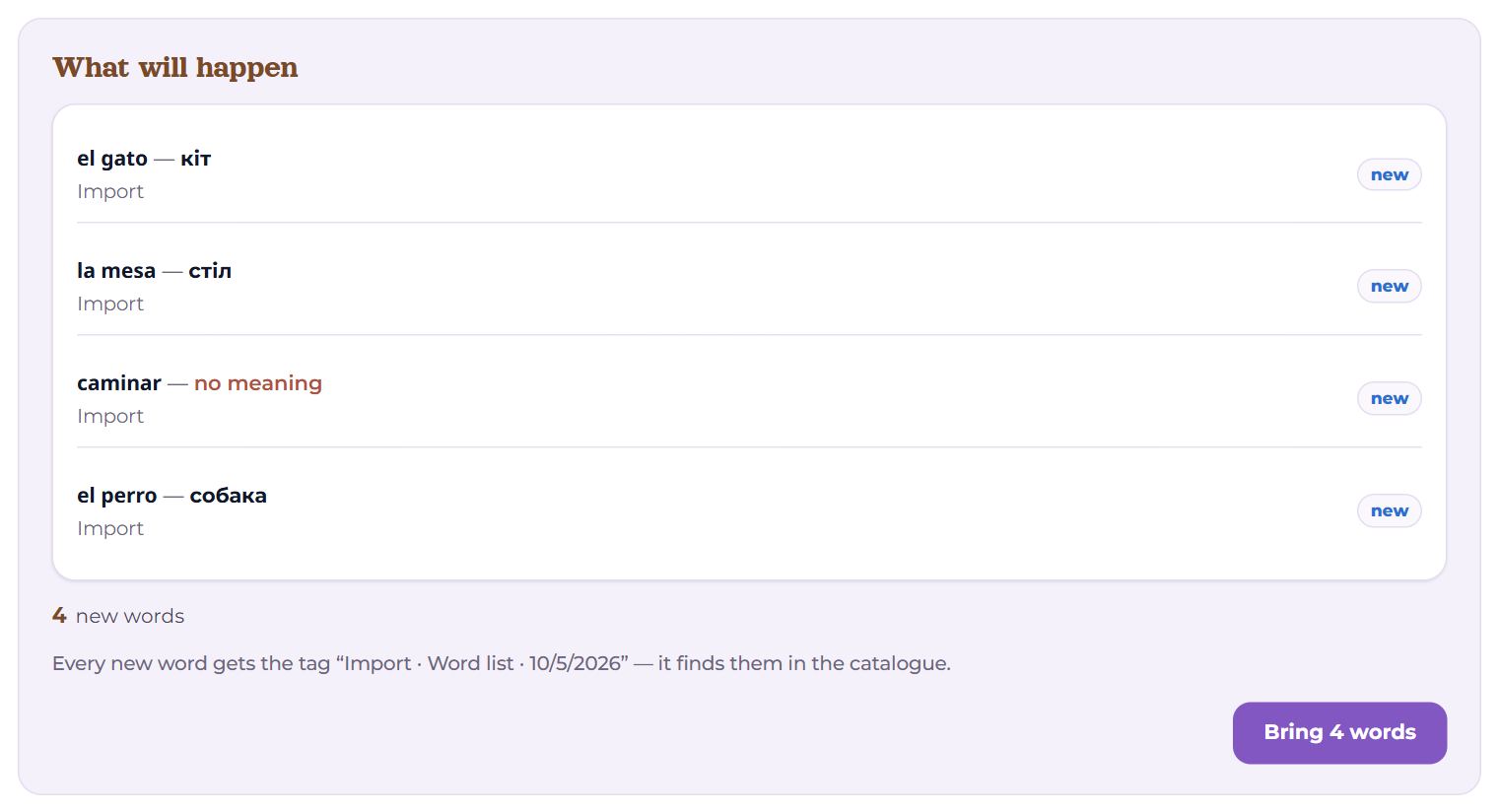
A few words as they will land — with their deck, tags, sound, picture and state (new, learning, review, known) — and the totals: how many new, how many with progress, how many updated, already there, without a language pair (for those, the pair can be chosen right there, above the button). Every new word gets a tag like “Import · Anki · 05.10.2026”, which finds them in the catalogue. The “Bring N words” button — and you see it go: preparing, adding meanings, bringing recordings and pictures, creating decks, saving words.
After the import
Your words are here — the totals and buttons:
- Start learning — the main one: the review of the language pair that got the most words;
- Open the words — the new words in the catalogue;
- Finish the words — if some words came without a sound or a picture: “Voice N words” voices them right there, and “Pictures for N words” opens the picture picker with the first picture for each word already chosen — you only check;
- Bring more;
- Undo the import — deletes the words just added and the decks left empty after that. Updated words stay. Then you can change your choices and bring them again.
Take your words
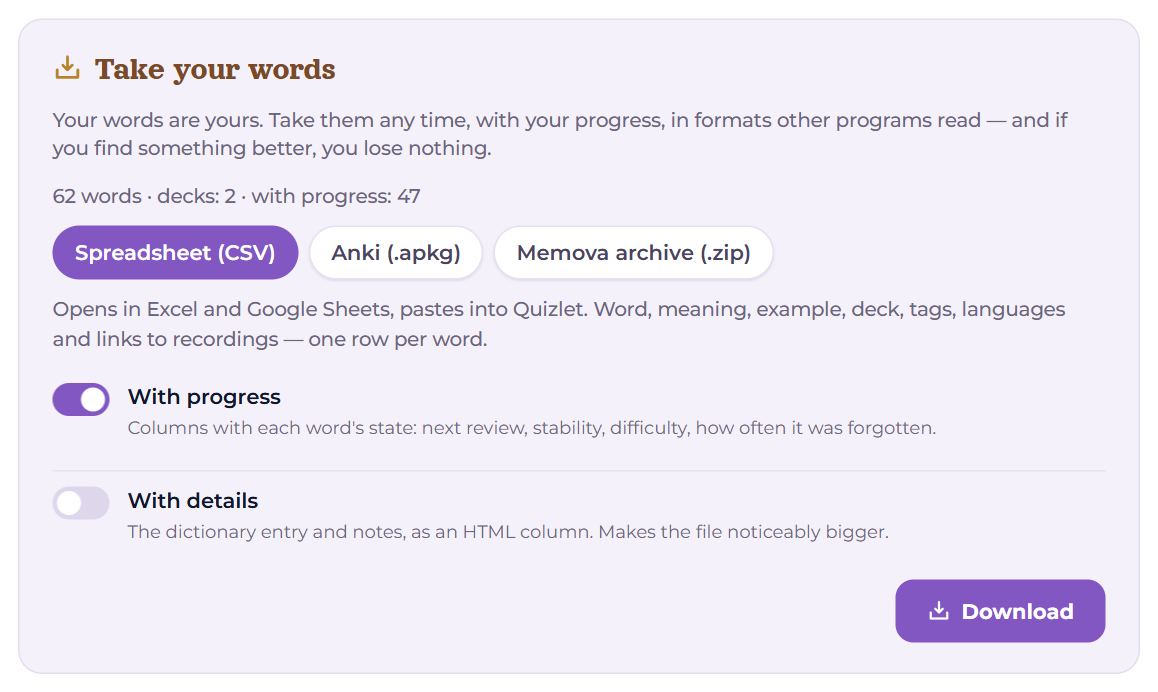
Your words are yours. Settings → My data → Take your words — the whole dictionary; a deck’s “⋯” menu on Words — one deck; “Export” in the catalogue — what was found or picked.
- Spreadsheet (CSV) — opens in Excel and Google Sheets, pastes into Quizlet. With progress adds columns with each word’s state; With details adds the dictionary entry (the file gets noticeably bigger).
- Anki (.apkg) — decks, words, recordings and pictures in one file that Anki opens with File → Import. With progress Anki carries on from the same point; without it — to share a deck as new.
- Memova archive (.zip) — everything to the last byte, every answer included; comes back into Memova without loss (the “Memova archive” source).
Above the formats — how many words and decks, and how many with progress. Download saves the file to your device.
For developers
The same personal key the extension uses opens the API: the whole dictionary in one request as JSON or CSV, decks with counts, the catalogue’s search, a file import. The key is made on the extension page and shown once; the addresses are in the same My data section.
There too — the whole account as one JSON file: to check what exactly is stored about you.
Questions
- Will my Anki progress really not get lost?
- The schedule, the FSRS memory and the answer history come across; for old SM-2 decks the history is replayed. Cards carry on from the same day.
- Can I import the same thing twice?
- Yes: with “Skip” the words already there are not added again.
- Can my teacher bring words in for me?
- Yes, if you gave them the right to edit that language pair. Then “I know these” is not available — it is a claim about your memory, and only you can make it.