Library
Texts, books, articles, songs, videos and textbooks in the language you are learning — and your own. You read with the same dictionary, voices and cards: an unknown word is one tap from a card.
Top of the page

- Above the title — the language of the materials; tap it to switch. By default, the language you are learning now.
- Browse and My shelf — the two halves of the library.
- “+ Add your own” — a YouTube video, a book file, a text or song, a PDF textbook, a text with a recording (see the “Add your own” article).
Level and search

Search — by title or author; Enter or Everything, with filters opens the catalogue.

Level — All levels (by default), Easy, Medium, Hard. It holds while you move around the library. The level is worked out from the text: what share of its words lies outside the 2,000 most common, and how long its sentences run. A picture book reads as easier, verse as harder, than their words say; songs and videos go by vocabulary alone.
Browse
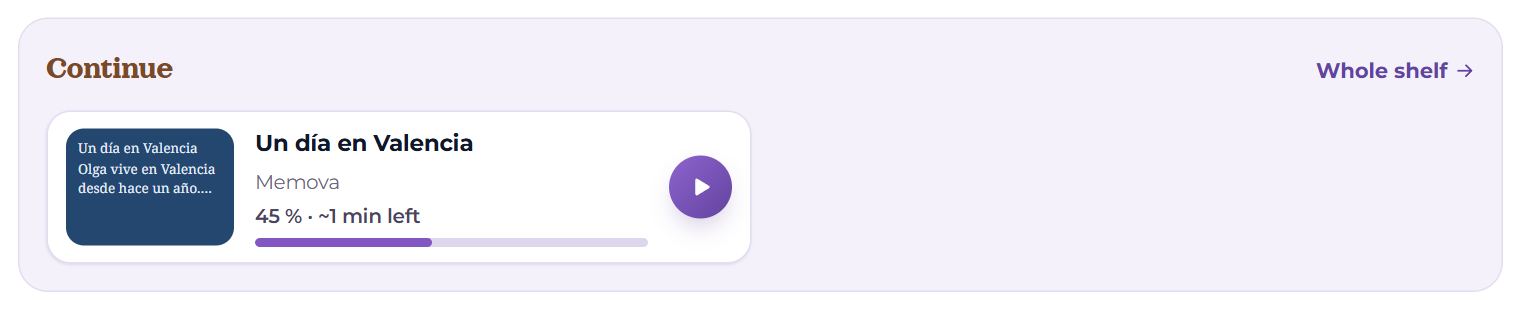
Continue — what you are reading or watching now: where you stopped and how much is left. Whole shelf — to the shelf.
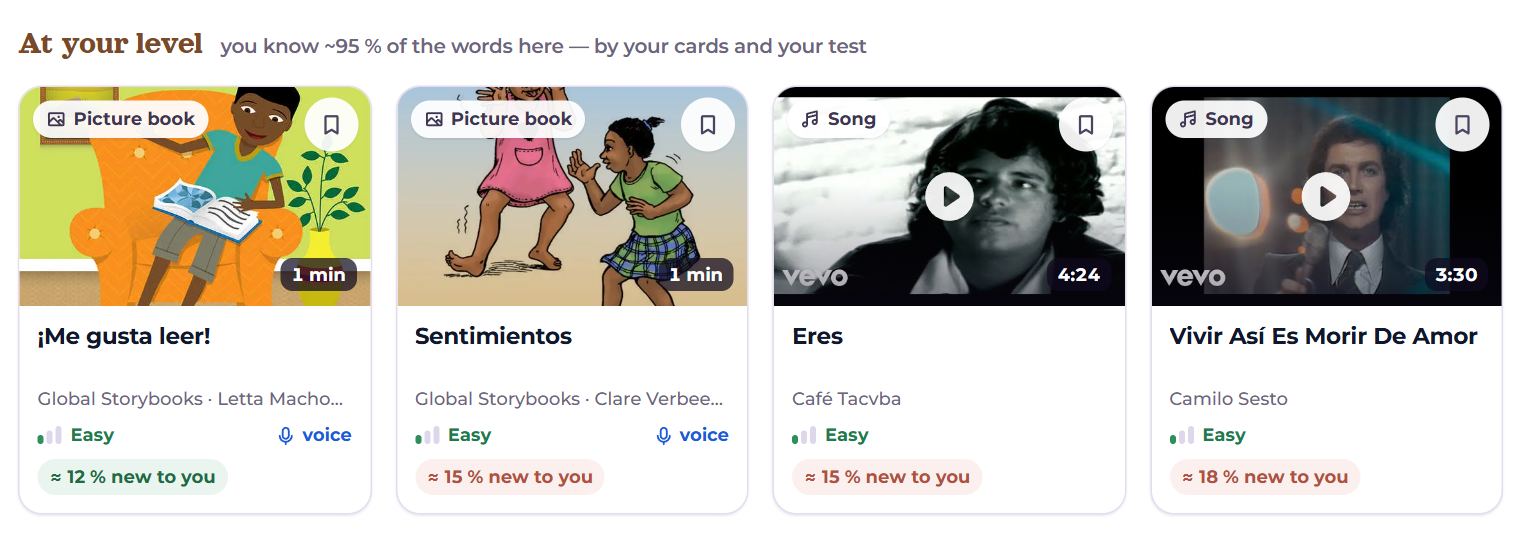
At your level — texts where you know about 95% of the words and never under 80% (by your cards and the vocabulary test). Songs, videos and verse stay out: their level goes by vocabulary alone. While no text is that easy for you, the shelf is not shown — start with the scenes and the picture books.

Your own — the best part — a favourite video, song, book or textbook, with the same dictionary and cards. Five buttons — five ways to add.
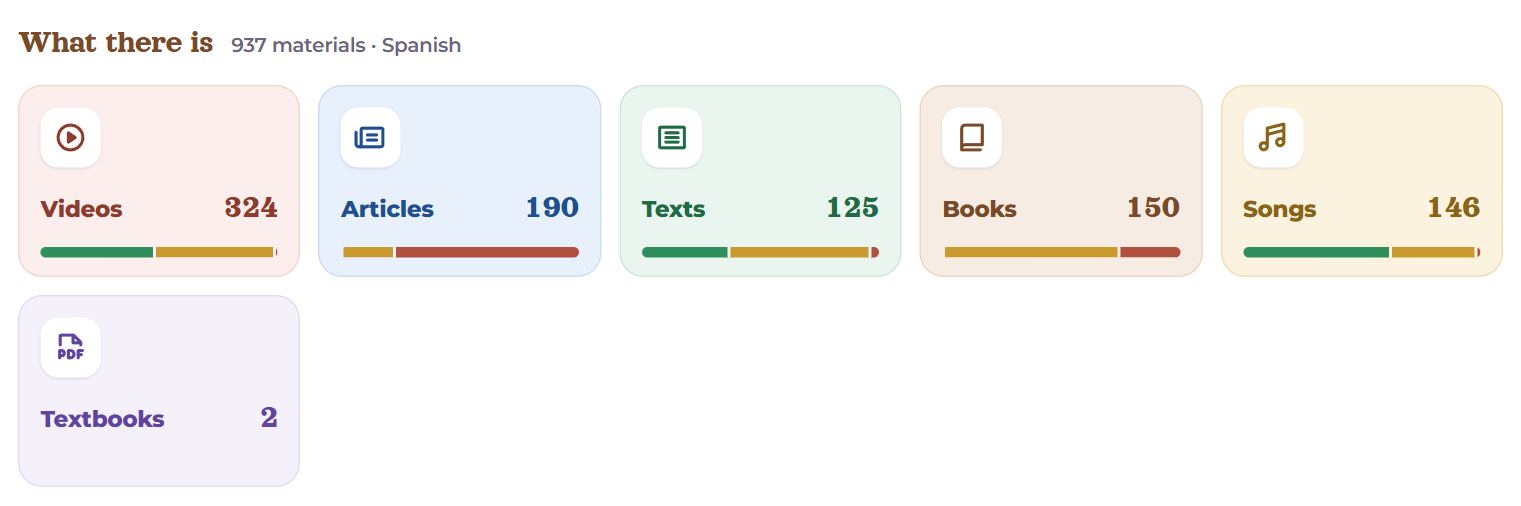
What there is — how many materials of each kind; the bar under the number is easy, medium and hard. Tap one to open the catalogue of that kind. Below — Collections and Topics.
A material’s card
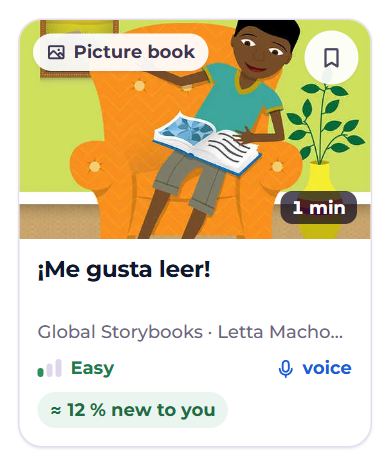
- The kind (picture book, text, video…) and the length — reading minutes or the video’s duration; for a book, chapters.
- The bookmark in the corner — Save for later: the material appears on the shelf under “Saved”.
- Title, author, level, and voice — if a person reads the text aloud.
- “≈ 12 % new to you” — the share of words that are not on your cards and that, judging by your test, you do not know. Up to ~6% reads easiest.
- The bar at the bottom — how much is read; a “Read” or “Coming back” mark, if so.
Everything, with filters
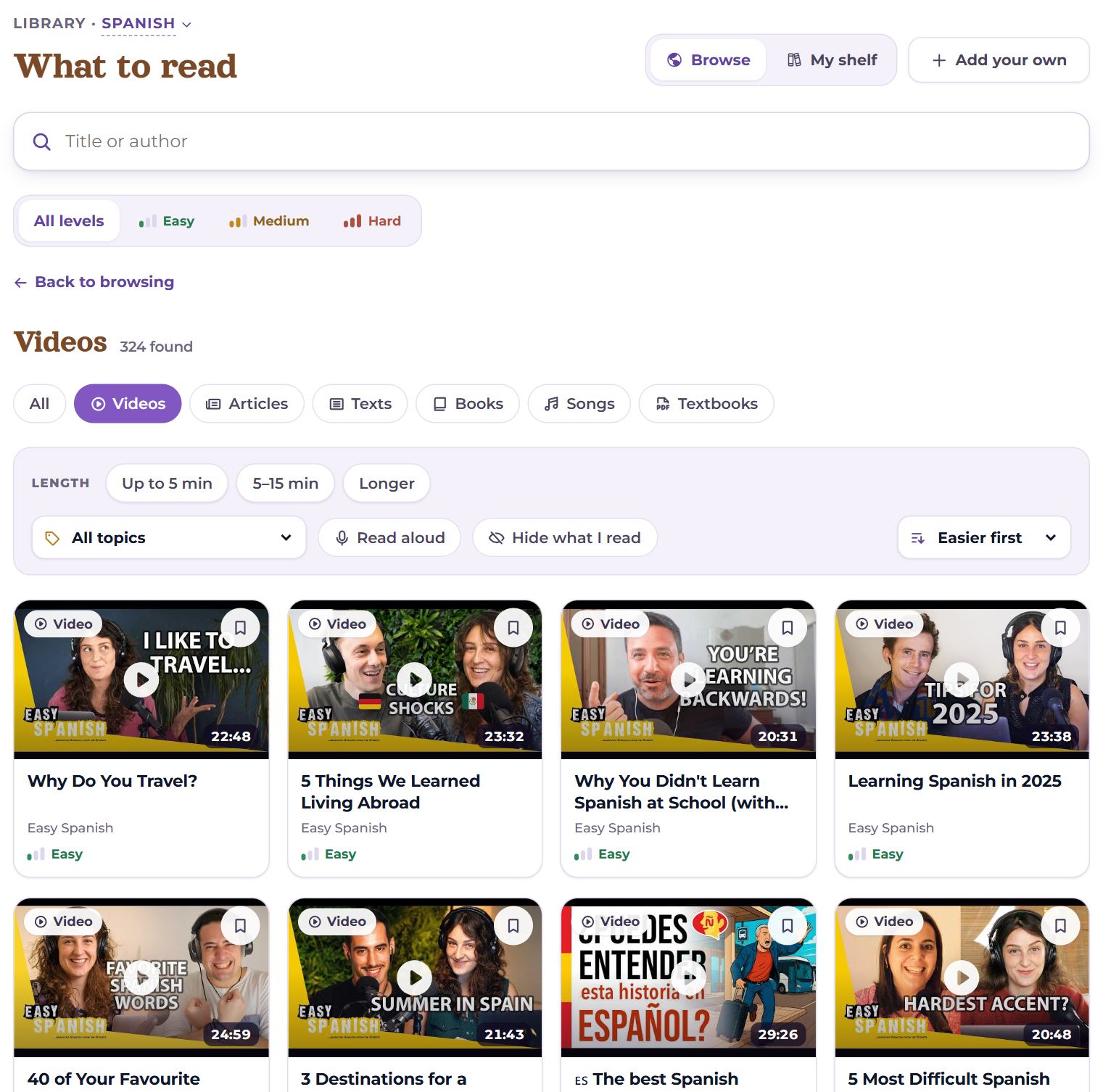
- Kind: All, Videos, Articles, Texts, Books, Songs, Textbooks.
- Length: Up to 5 min, 5–15 min, Longer.
- Topic, Read aloud, Hide what I read.
- Order: Easier first (by default), Popular first, Newest first, Shortest first, Longest first, By title.
Every filter is in the page’s address: a link to a set of materials can be saved or sent. Back to browse — back.
Collections
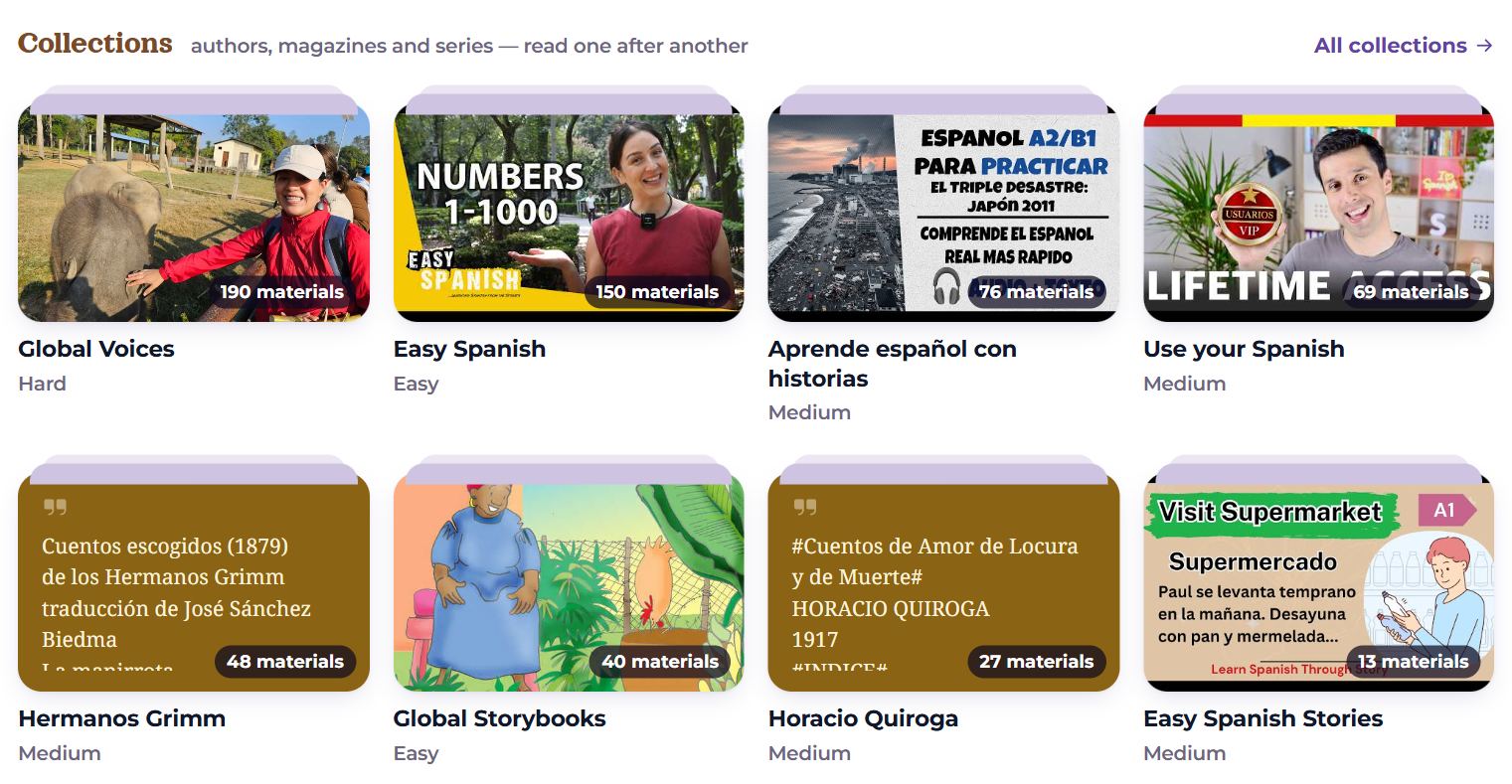
Authors, magazines and series — to read one after another. The cover shows how many materials, and under it the level or how many you have read.
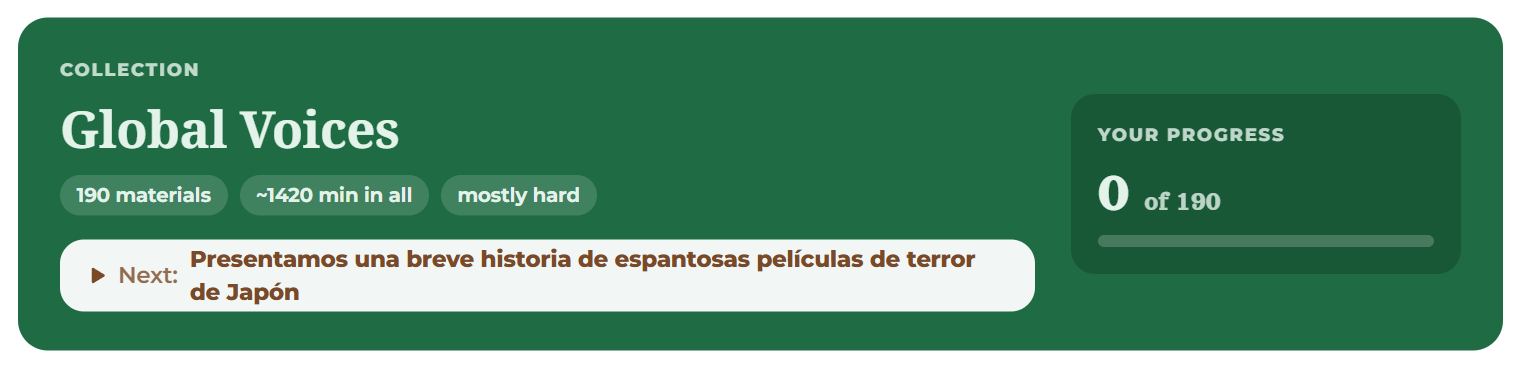
A collection’s page has a description, how many materials and minutes, your progress, and a “Next: …” button with the next unread one. Your own collections are gathered in the editor of your own material — “Add to a collection…” (with “New collection” there too); in your own collection you can Edit the collection: title, description, cover, order with the arrows, remove a material with the cross, or delete the collection — the materials stay.
My shelf
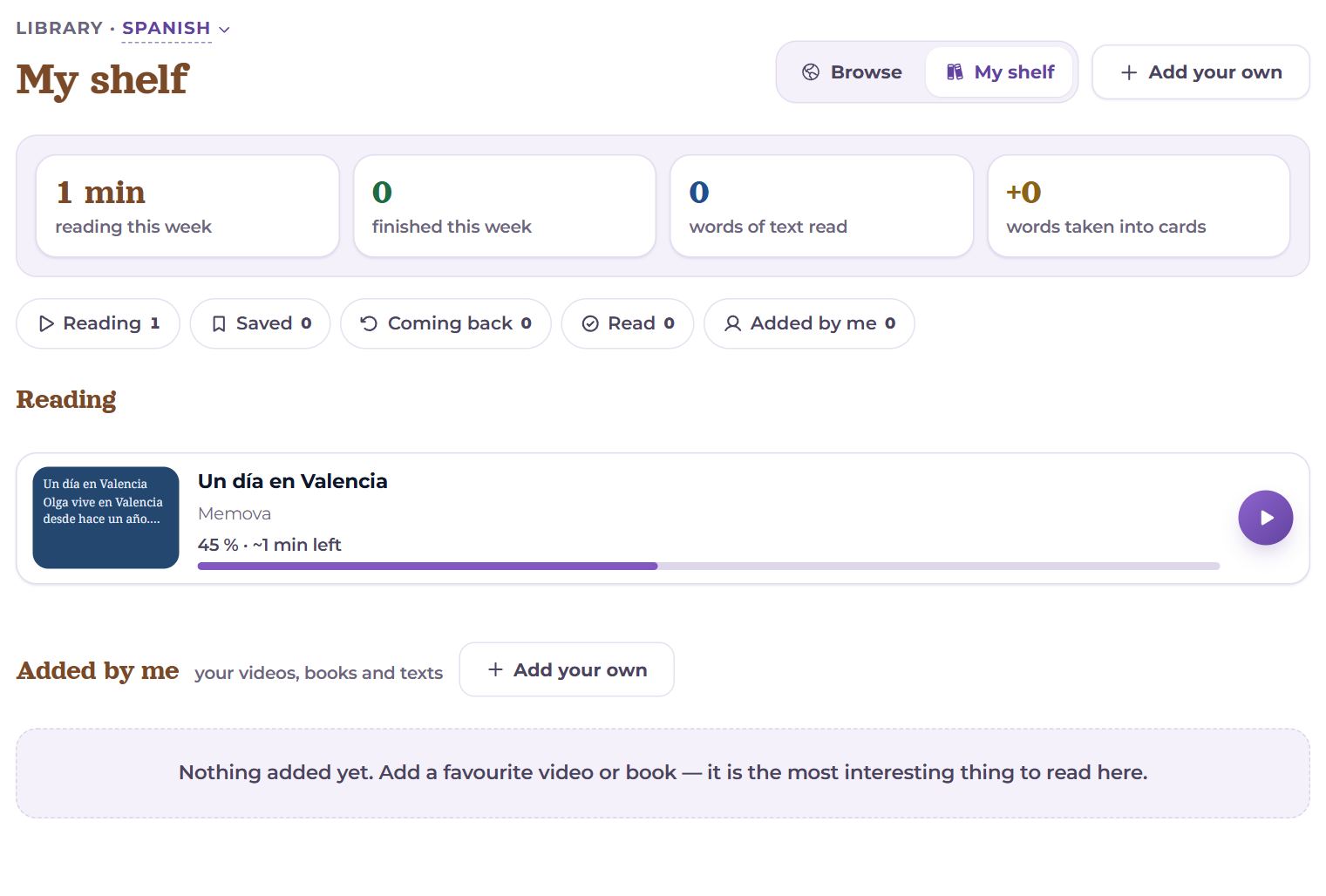
- This week: reading this week, finished this week, words of text read, words taken into cards.
- Reading — started, with where you stopped.
- Saved — bookmarks from the cards.
- Coming back — read, and to be read again once the words are learned.
- Read — read; no longer suggested.
- Added by me — your videos, books and texts, with Edit and “Delete”.
“Read” or “Coming back” is set at the end of a material — see the “Reader” article.
Questions
- How do I choose what to read?
- Start with “At your level”, or set the level to “Easy” and “Easier first”. When more than 10% of the words are new, reading is hard — save it and come back later.
- Why does the share of new words change?
- It is counted from your cards and your test: the more words you know, the smaller it gets.