A material’s page
Everything about one material: what it is, how hard it is for you in particular, the book’s chapters, the words taken from it, a parallel translation — and the button to start reading or watching.
When it opens
A book with several chapters opens right here — to choose a chapter. Other materials go straight to the reader, and this page is reached from the reader’s menu, “About the material”. The page opens without an account too.
Top
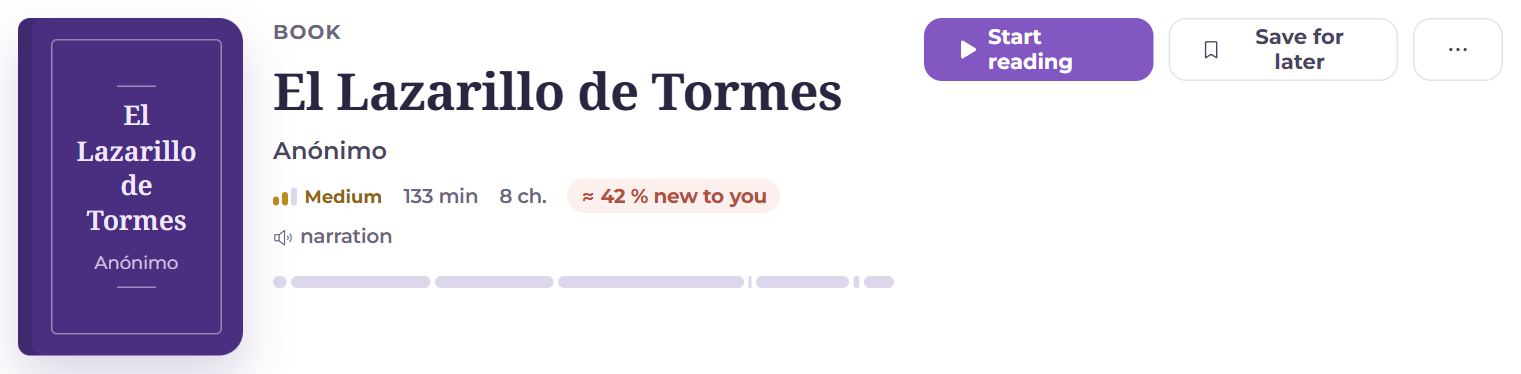
At the top is the same head every material page has: the kind, the title, the author, the level, minutes, words and the share of words new to you. Beside the title — the way to open the material, “Save for later” and “⋯”. In “⋯” — share (on a phone it opens the system share sheet, on a computer it copies a link to the reader; whoever reads from the link needs no account), the text’s game, downloads, and for your own material — Edit and deleting. Back is through the app’s menu: “Library”.
Description
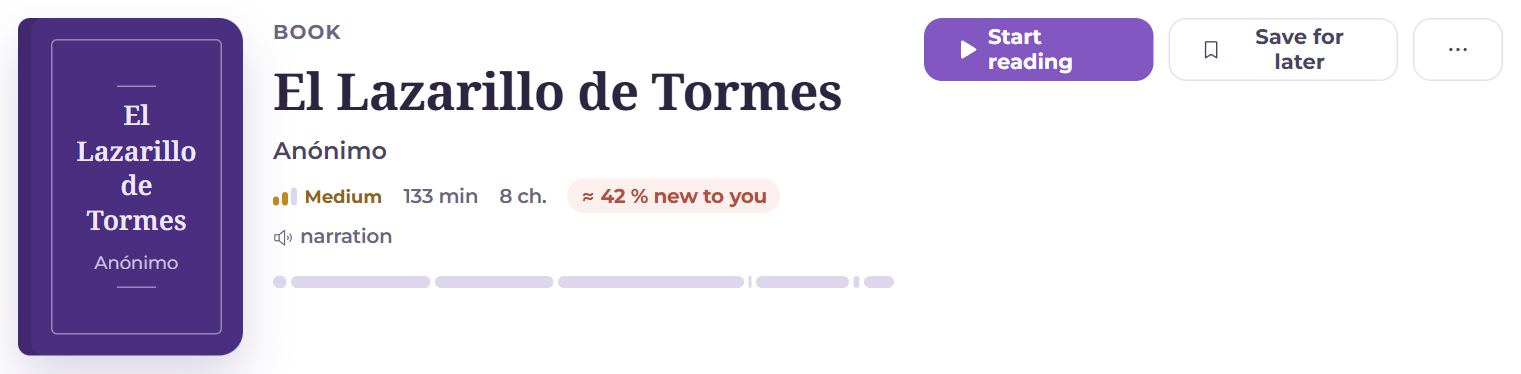
- Kind and topics, title, author.
- Level, the video’s length or the number of pages, chapters, words and reading minutes.
- “≈ 35 % new to you” — the share of words that are not on your cards; above 12% it is red: reading will be hard.
- Sound: recorded audio (a person reads it), narration (synthesis), for a video — subtitles or transcript.
- Labels: collections, topics (tap one for the library on that topic), Source, the language, who added it.
- For a book — a bar of chapters: read ones, the current one.
- Start reading / “Continue: chapter 3”, for a video Watch; beside it Save for later (a bookmark on the shelf). A finished material shows “Read” or “Coming back” with Undo.

Once a material is started, there is progress under the description: how much is read, how many words learned of those taken into cards, and the time spent.
Chapters
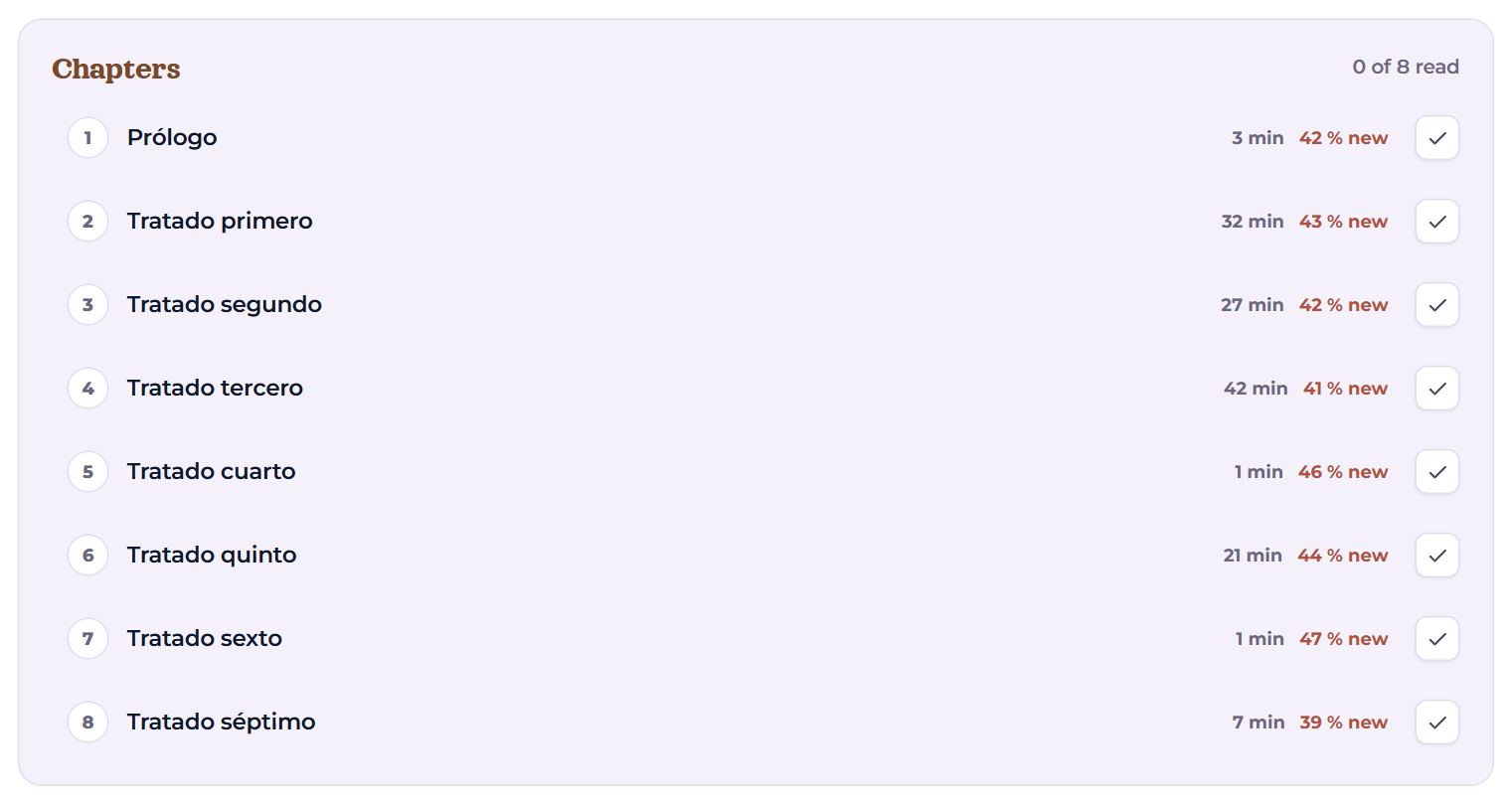
A book is read a chapter at a time. Each chapter shows its reading minutes and the share of words new to you; tap it to open the reader on that chapter. The tick on the right marks the chapter read (or unmarks it); the end of a chapter in the reader offers the same. A long list shows the chapters around the current one; the rest are behind “All 55 chapters”.
Words and the game

- Words from this material — cards taken from this material (they carry its tag): how many in all and how many are still being learned. Opens them in the catalogue.
- Game from the text — gaps and sentences from this text (see the “Text game” article).
Parallel translations
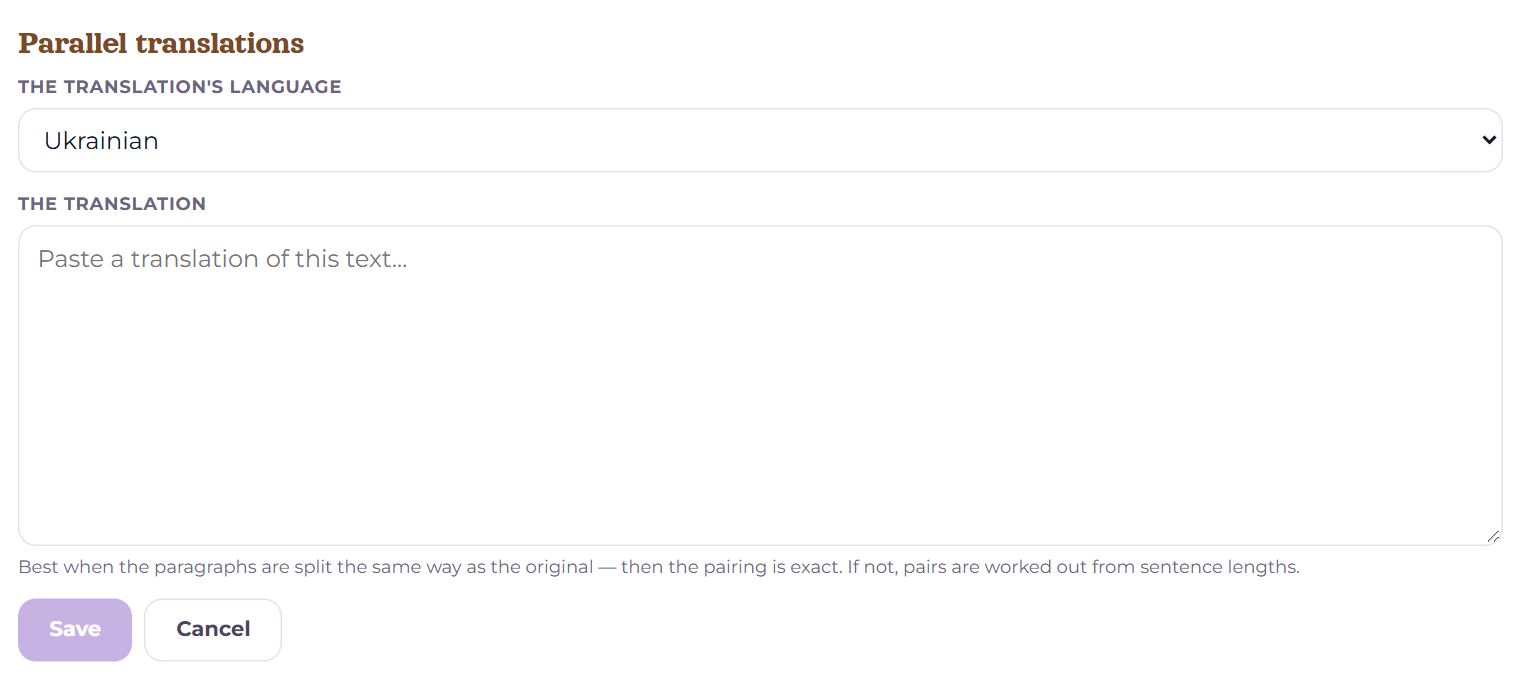
Add a translation — choose the translation’s language and paste the text. Then in the reader the original’s sentences and the translation stand side by side. It is most exact when the translation’s paragraphs match the original; otherwise the pairs are matched by sentence lengths — the line under the translation says which.
Other actions
At the bottom, once a material is started:
- To “Coming back” — for a finished one: keep it on the shelf to read again;
- Take off the shelf — take it out of “Reading”;
- YouTube — the original video; Download the audio; Download the PDF — for a textbook.
For your own material there are also Edit, Delete and, for a video without sound, Fetch the audio. With your own ElevenLabs key in Settings → Sources — Transcribe the speech (Replaces the current text with the transcription). A video without subtitles for which no text could be matched can Record the sound in the extension.
A teacher also sees Share with student here — the material appears for the student on the pair’s page.
Questions
- Why do chapters have different shares of new words?
- It is counted for each chapter separately: start with the lowest if the order does not matter.
- How do I mark a book as read?
- Chapters — with the tick here or at the end of the chapter in the reader. The book itself — with “Read” at the end of its last chapter.