Reader
This is where you read, listen and watch. Any word is one tap away from its translation, form, frequency and a button to take it into your cards. A text can be heard sentence by sentence, a phrase repeated, and the whole read beside a translation.
Top

- The head is the one every material page has: the kind and chapter (“Book · chapter 3 of 16”), the title, the author, the level, minutes, words, the share of words new to you. Nothing sticks to the top: scroll, and the head is gone — only a thin line along the top edge stays, how much is read. Back is through the app’s menu.
- The reading tools are at the bottom, in the dock with the player: “⋯” on the left, Focus: just the text, full screen on the right (Esc to leave). On a computer the chapter list is there too; on a phone it is in “⋯”.
- Share — in “⋯”: a link to this text; whoever opens it reads without an account.
Before reading

Author and topics, the title, level, minutes and words, the share of words new to you, and an Original link if the text was taken from a website.

“Before reading — 6 words you will meet most” — open it to see them with how often each one comes up. Tap a word to see it in the text with its translation and take it into your cards. Worth a look before reading: the text goes easier.
The text
- A word already in your cards is underlined in blue.
- Grey — words the automatic analysis did not recognise (names, rare forms); they can be tapped too.
- While listening, the sentence being read is highlighted and the page follows it.
A word
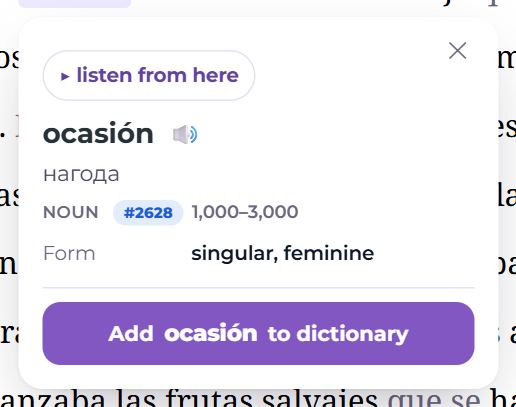
Tap a word:
- listen from here — hear the text from this sentence;
- the word and a pronunciation button, the translation;
- part of speech and frequency (its place among the most common, “1000–3000”);
- the form — number, gender, tense, case; for an inflected form — Dictionary form;
- “Add … to dictionary” — the new-word panel opens with the word and the sentence from the text as its example already filled in. The deck is the one this text’s words went to; for the first word, “My words”. The added word “flies” into the “Words taken from this text (3)” list at the side (on a phone, above the text).
Every word taken from a text gets its tag — easy to find later: “Words from this material” on the material’s page.
A phrase and repeat
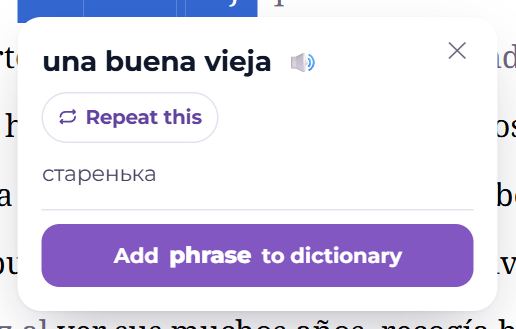
Select a few words (two to six) and the phrase appears: a translation, the pronunciation, Add phrase to dictionary and Repeat this — the phrase plays over and over until you press Stop repeating or Esc. Selecting a whole sentence or a single word gives the repeat button alone.
Listening

- On the left — what you hear: recorded audio (a person’s recording) or narration (synthesis).
- In the middle — Previous sentence, Listen / Pause, Next sentence.
- On the right — Repeat from the start and the speed: press it for 0.6×, 0.75×, 0.9×, 1×, 1.25×.
The “⋯” menu
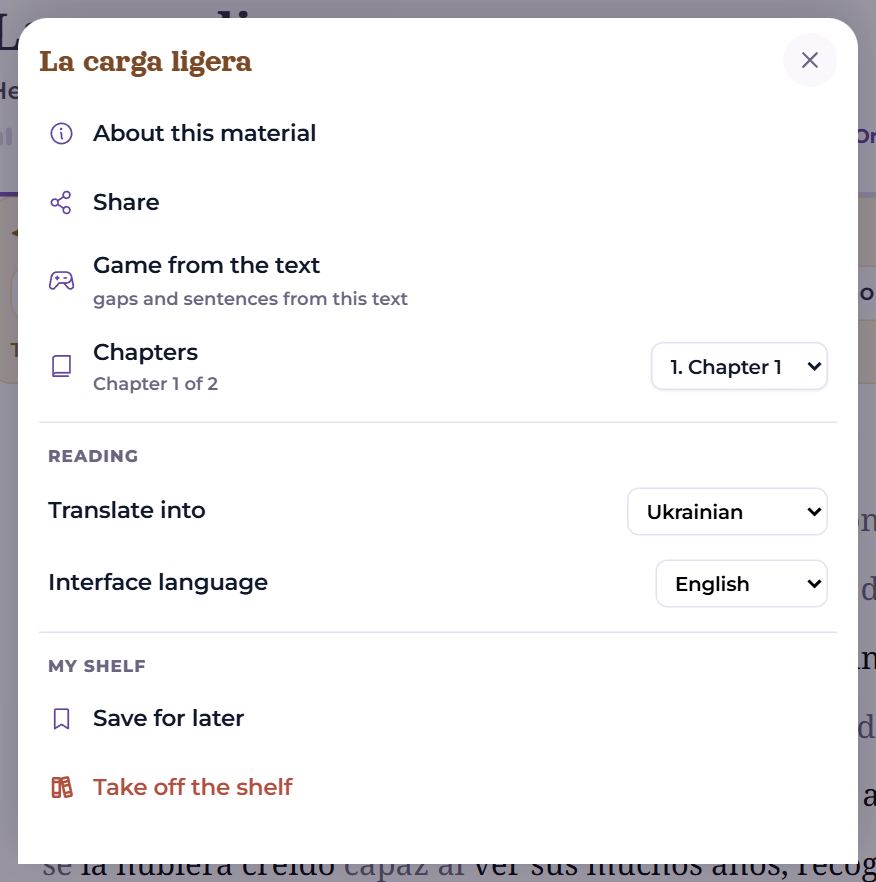
A sheet from the bottom (a dialog in the middle on a computer), in three groups: the material, reading, the shelf.
- About this material — the material’s page; Share;
- Game from the text — gaps and sentence order from this text;
- Chapters — go to another chapter of a book;
- Save for later, Take off the shelf;
- Translate into — the language words are translated into;
- Parallel text — when the text has a translation: the original’s sentences and the translation side by side (Don't show hides it);
- Interface language.
Picture books
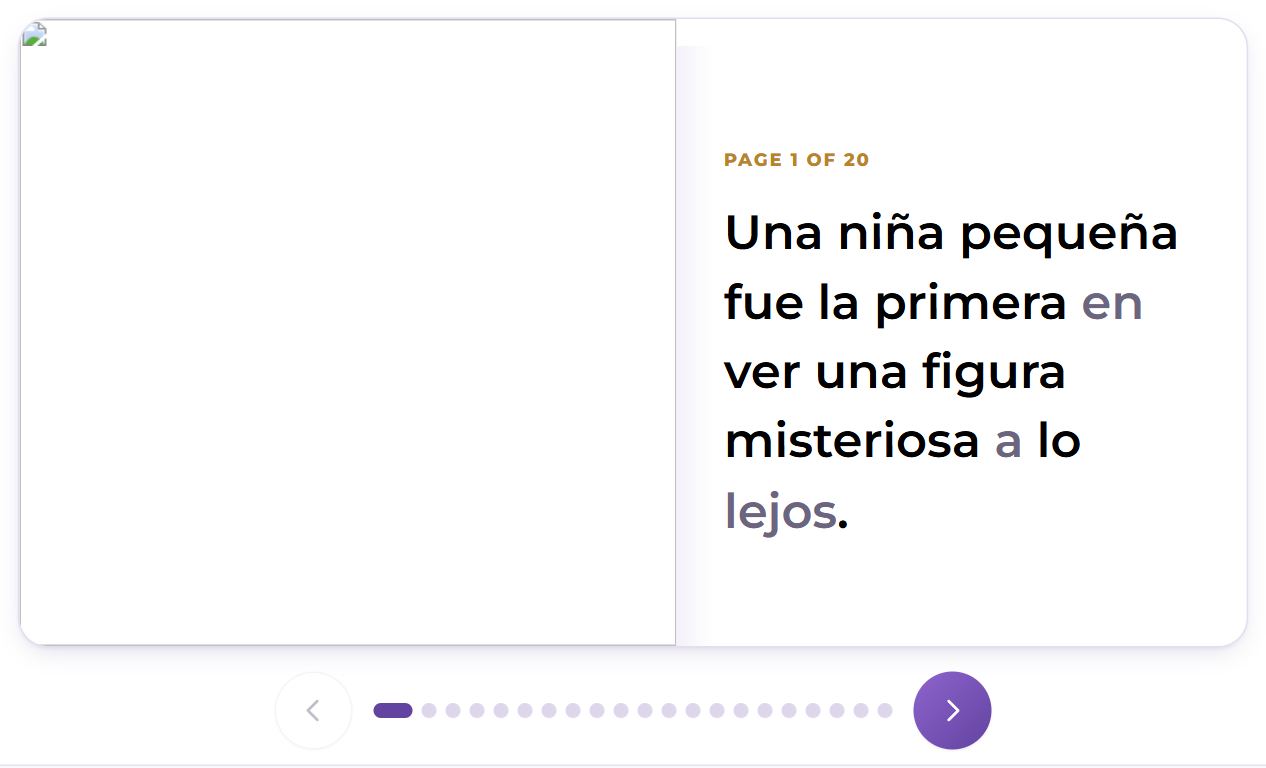
A short text with a drawing on every page is read page by page: the picture and the text side by side, arrows and dots at the bottom to turn. Words are tapped the same way.
Video
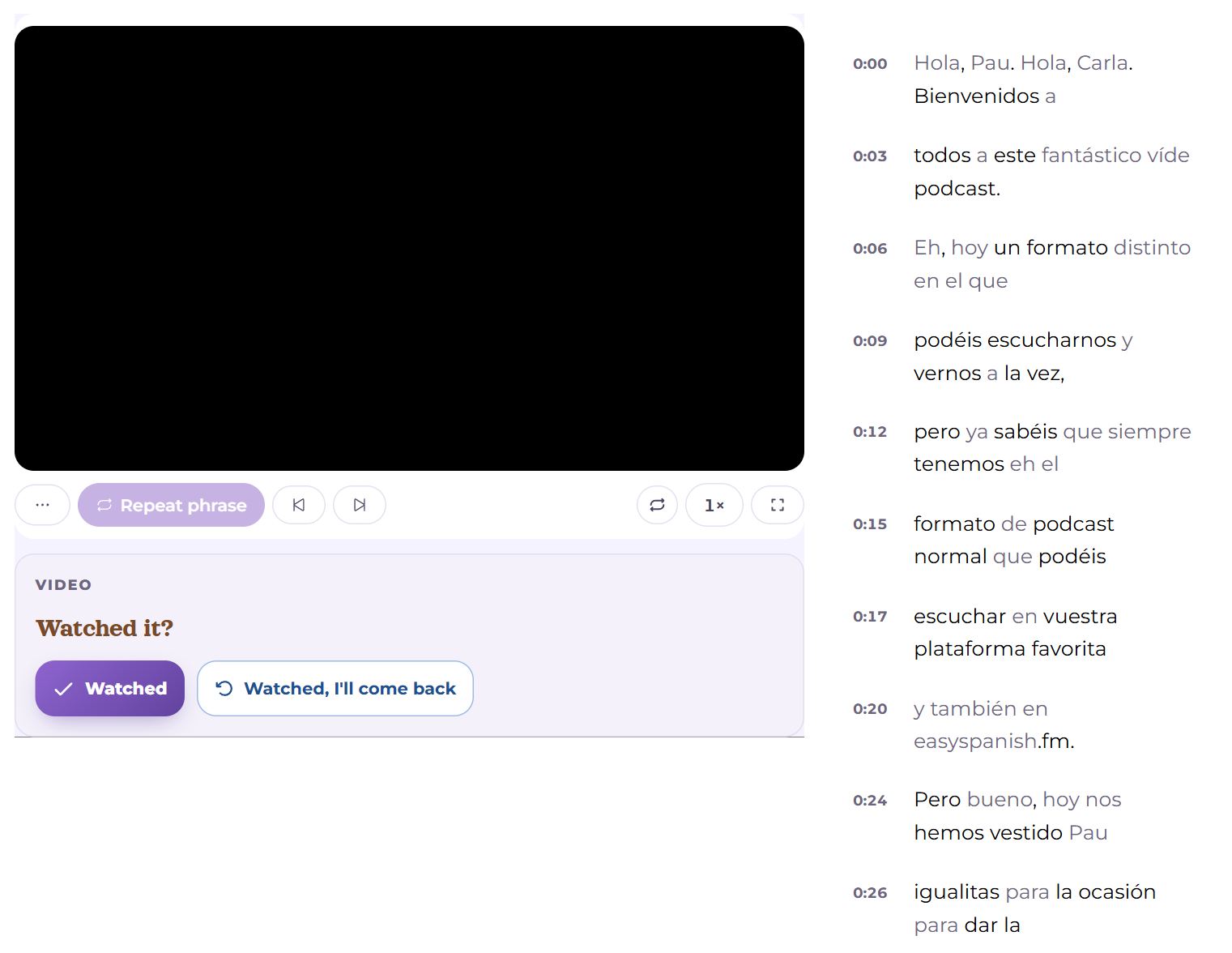
The video on the left, subtitles on the right — line by line, with times; tap a time and the video jumps there. The line being spoken is under the video, with its translation. Words in the subtitles are tapped as in a text. If the uploader disallowed embedding, there is a link instead: The uploader disallowed embedding — watch on YouTube.
The end

At the end of a book’s chapter — mark it read and Next chapter. At the end of a material — Read it?:
- Read — the material is no longer suggested and counts toward the shelf’s week;
- Read, I'll come back — the same, but it stays on the shelf to be read again once the words are learned;
- how many words were taken into cards, and Play with this text.
Questions
- The text is too hard — what now?
- Open “Before reading” and take the key words, listen to the text sentence by sentence, or save it for later: in time the share of new words drops by itself.
- Where are the words I added from the text?
- At the side, in “Words taken from this text (3)”, and in the catalogue under the material’s tag.